Brixel Proyect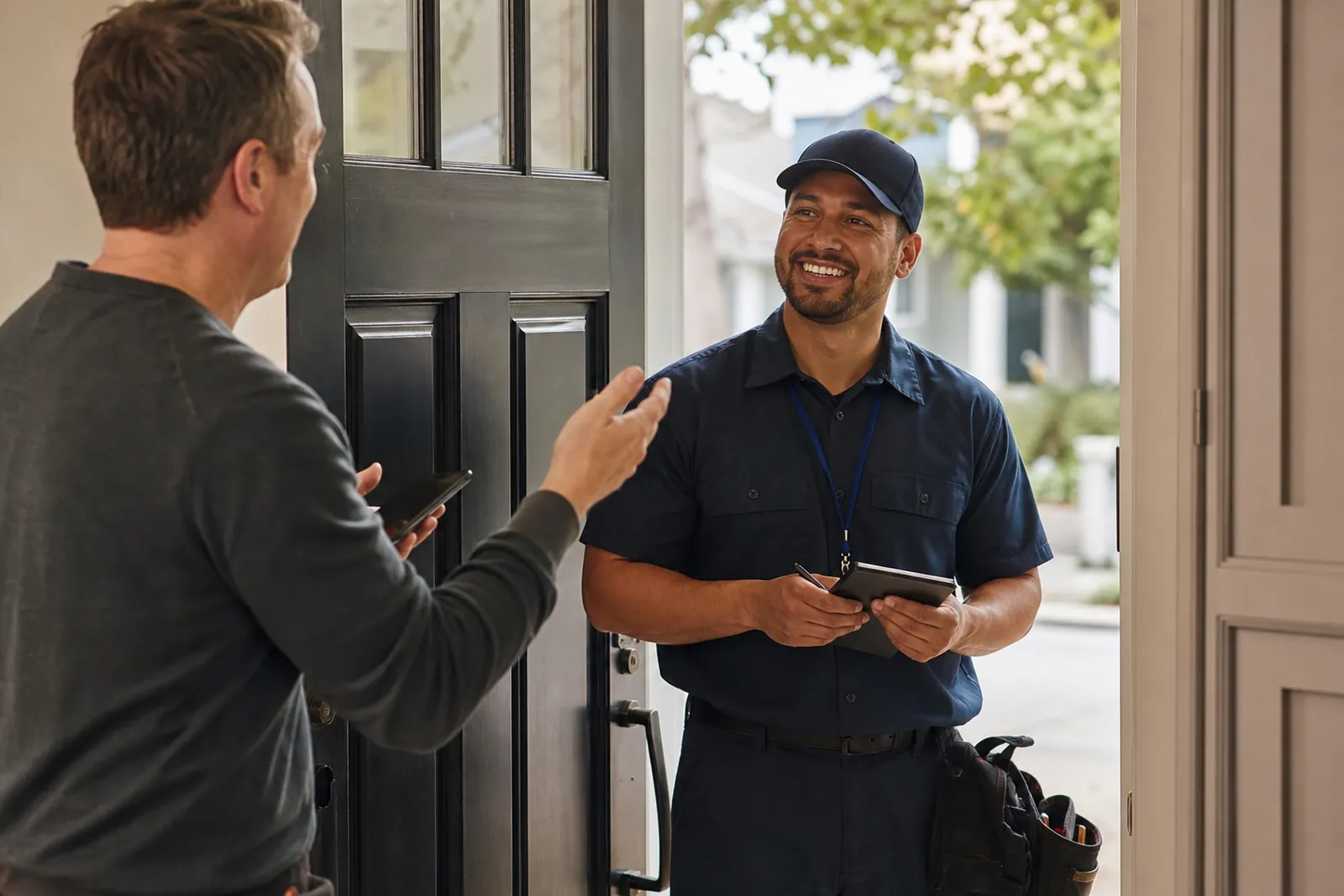
Start with the right mindset
A review ask works best when it feels like a thank-you, not a favor. The customer should feel that you value their time and their opinion, not that you are trying to pressure them into doing extra work.
Think of reviews as part of the closeout process. You finished the job, the customer is happy, and you are giving them a simple way to share that experience with others. If the work went well, asking is normal.
- Ask only after the job is finished and the customer seems satisfied.
- Keep the tone warm and brief.
- Treat a no the same way you would treat any polite decline.
Know when to ask
The best time is usually right after a good experience. That can mean after the repair is complete, after the appointment ends, after the estimate is accepted and the customer says they are happy, or after the final walk-through.
If you wait too long, the moment passes and the customer has to remember details later. If you ask too early, before the issue is fixed or before the visit feels complete, the request can feel off.
Look for signs that the job ended well. The customer is thanking you, checking the work, paying without concern, or saying they would use you again. That is a natural opening.
- Ask when the customer still remembers the service clearly.
- Do not ask in the middle of a problem.
- If the customer had a complaint, wait until it has been handled well.
Use a simple script that sounds human
You do not need a long message. A short, polite line is better than a polished speech. Try something like: “Thanks for choosing us. If you were happy with the service, would you mind leaving a Google review? It helps local customers find us.”
For text or email, keep the message just as plain. “Thank you again for having us out today. If you have a moment, we would appreciate a Google review. Here is the link.”
The key is to sound like a person who cares, not a company sending a template. Use the same tone you would use in a face-to-face conversation.
- Say thank you first.
- Ask once, clearly.
- Make it easy to say yes or no.
Make it one tap, not a scavenger hunt
The fewer steps the customer has to take, the better. Do not send them to your home page and expect them to find the review spot on their own. That creates friction and many people will stop there.
Use the direct Google review link from your Google Business Profile. Save it somewhere easy for your team to copy and send. Put it in a text message, an email, or a follow-up note right after the service.
If you hand over a phone in person, make sure the page opens where the customer can start writing right away. If you are sending a message, keep the link on its own line so it is easy to tap.
- Use one clear link, not multiple links.
- Test the link on your own phone before you send it.
- If the customer is in a hurry, offer to send the link right away.
Follow Google's review rules
Ask for honest reviews from real customers. Do not ask only happy people if that means you are trying to shape the result. Do not tell people what to write, and do not offer payment, gifts, discounts, or other rewards for a review.
Do not write reviews for yourself, ask employees to pose as customers, or use a friend or family member who did not use the service. Do not ask customers to change a review just because it is not perfect. Honest feedback is safer and more useful.
It also helps to avoid review gating. That means you should not send only unhappy customers to a private feedback form while sending happy customers to Google. Ask everyone in the same fair way.
- Ask for honest feedback, not a perfect rating.
- Do not trade favors for reviews.
- Do not filter people before they reach Google.
What never to do
Never pressure a customer in front of other people. A public ask can make them feel cornered. Never stand over someone while they write the review or watch their screen as they type.
Do not send the same follow-up message again and again. One polite reminder is enough in many cases. If they do not respond, let it go and move on.
Do not ask right after a bad experience and hope the customer will forget it. Fix the issue first. A forced review request after a rough visit usually backfires.
Do not make the request about you. Avoid lines like “We need this for our business” or “Our ranking depends on it.” Customers are more open when the request stays centered on their own experience.
- Keep the ask private and respectful.
- Stop after one or two polite attempts.
- Separate problem solving from review asking.
Build a review habit your team can repeat
The easiest way to get more reviews is to make the ask part of a normal routine. Pick one moment in the job flow when the team knows to ask, and keep the wording simple so everyone sounds consistent.
You can train staff to look for a happy closing point, say thank you, and offer the link right away. If the customer is busy, the team can send the message later the same day while the visit is still fresh.
A few good habits matter more than complicated systems. Clean communication, a short script, and a direct link can turn review requests into a normal part of your service process.
- Choose one moment in the job flow for the ask.
- Keep one shared script for the whole team.
- Make sure everyone knows where the review link is.
Questions owners ask
When is the best time to ask for a Google review?
Ask right after a good service experience, when the work is finished and the customer seems happy. That can be at the end of the visit, after the final check, or in a short follow-up message later that day.
Can I offer a discount or gift card for a review?
No. You should ask for honest reviews without payment, gifts, discounts, or any other reward. Keep the request simple and fair, and let the customer decide on their own.
What is the easiest way to get a customer to leave a review?
Make it one tap. Share the direct Google review link, keep the message short, and ask in plain language. The fewer steps the customer has to take, the more likely they are to finish the review.