Brixel Proyect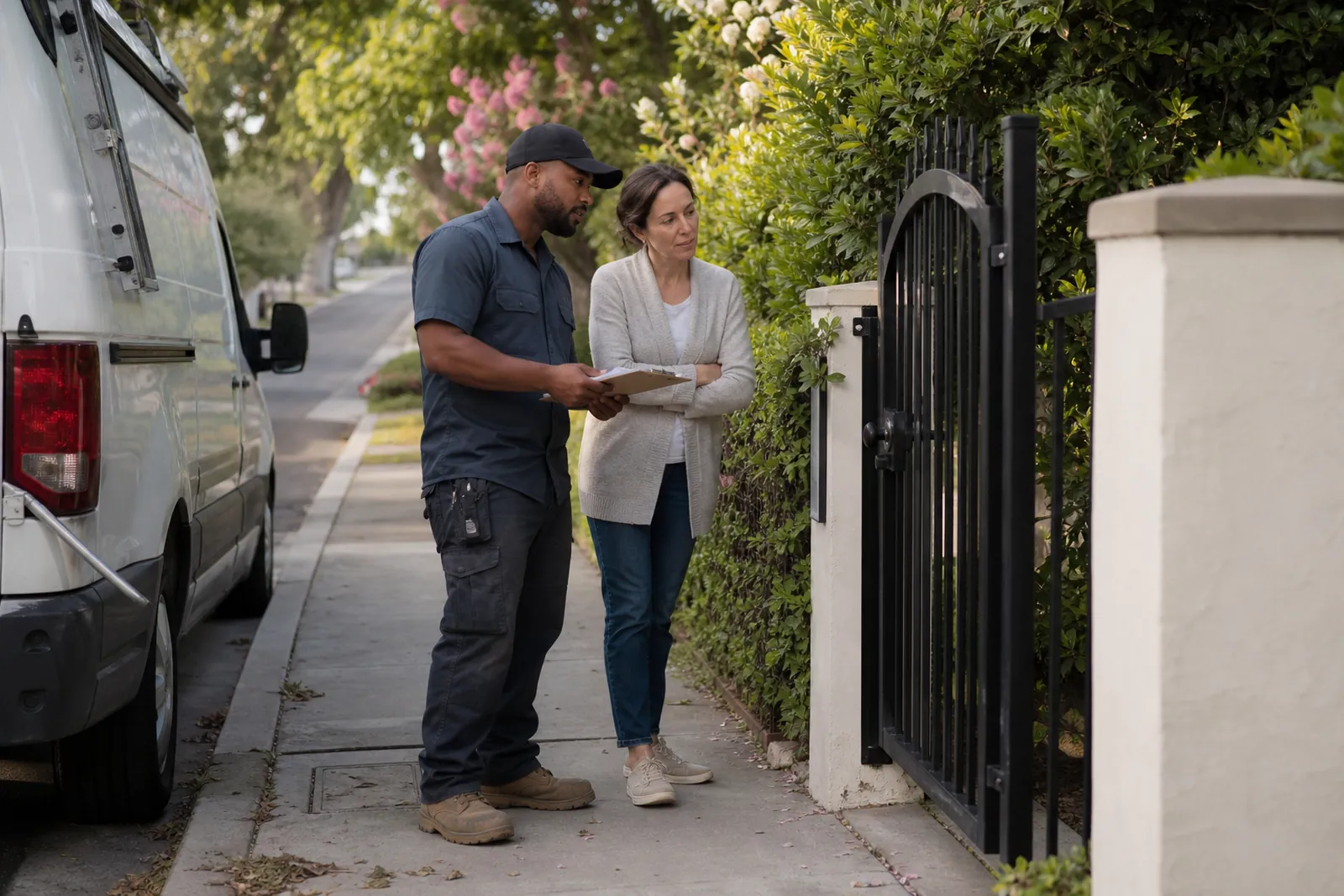
Start with one real reason the page exists
A town page should answer a simple question: why would someone in this place trust you more than a generic page? The answer is not the town name in the title. It is the mix of nearby work, local conditions, and the way people in that area talk about the job they need.
Before writing, pick one clear angle for the page. A plumber might focus on older homes with cast iron lines. A locksmith might focus on apartment lockouts, mailbox locks, or front door hardware common in that area. A salon might talk about walk-in traffic near a shopping corridor or the kinds of appointments people book after work.
- Write down one local problem the page will help solve.
- Use the town name only after you know what makes the page different.
Use local jobs, not generic service copy
The fastest way to make a town page look copied is to reuse the same service description from page to page. People do not need a fresh paragraph about what your business does. They need to know how you handle work in their area.
Talk about the jobs you have actually seen there. Mention common property types, common repair calls, busy parts of the week, or the way access works in that town. If you service storefronts, apartments, single-family homes, or medical offices in different places, say so plainly. That kind of detail helps a reader picture the visit before they call.
Keep the wording natural. A real page sounds like someone who works in the field, not a brochure. Say what happens on the job, what tools or parts you may bring, and what the customer should expect when you arrive. If a town has a lot of older homes, say that the page talks about older fixtures or tighter workspaces. If it has newer neighborhoods, mention modern materials or newer layouts.
Avoid changing only one sentence in a template. If the page still reads the same with the city name covered up, it is not local enough.
- Replace broad service talk with one or two real job examples.
- If the same paragraph fits every town, cut it.
Build the page around roads, places, and habits people know
You do not need a long list of landmarks to sound local. A few well-chosen references are enough. Mention roads, business strips, neighborhoods, common driveways, shopping areas, or building styles that affect how you work.
For example, a locksmith page might mention apartment buildings near a busy corridor where people need fast access help. A contractor page might note narrow side yards, shared parking, or older driveways that change how materials get to the job. A salon page might mention people who want after-work appointments near a local retail area.
The goal is not to stuff in place names. The goal is to show that you know how the town works. When a reader sees familiar roads or landmarks used naturally, the page feels written by someone who has been there.
Do not guess. If you have not worked near a place, do not fake it. Use the towns, roads, and areas you actually know from jobs, estimates, or repeat customers.
- Use a few local references that affect the work itself.
- Leave out place names that do not help the reader understand the job.
Use your own photos whenever you can
Photos are one of the clearest ways to separate one page from another. If every town page uses the same stock images, the site starts to feel copied even when the writing changes.
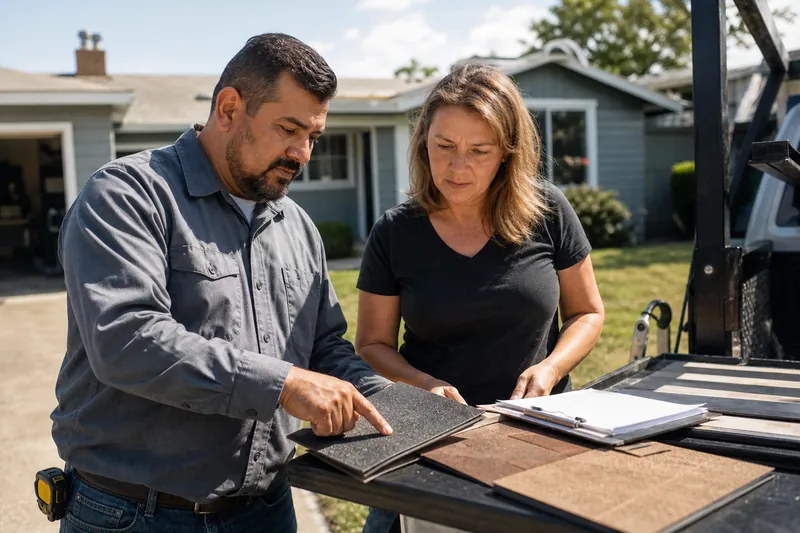
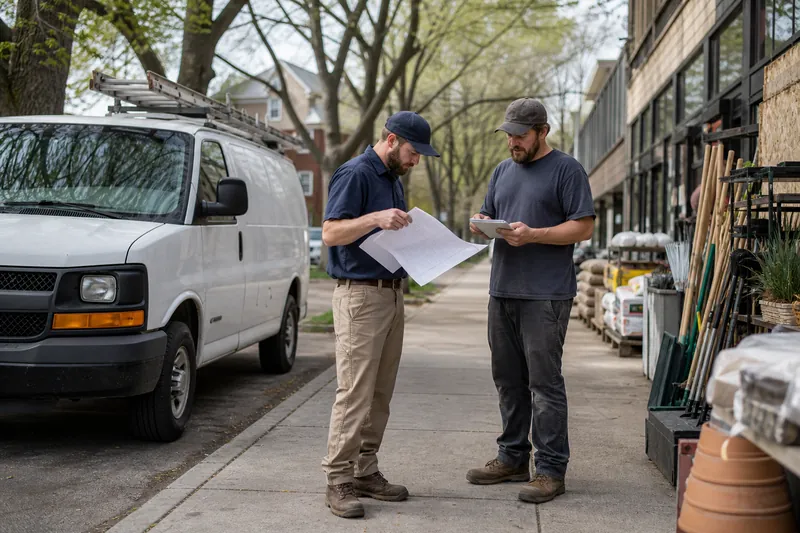
Use photos from real jobs, even if they are simple. A van at a driveway, a finished repair, a clean work area, a storefront after a service visit, or a team member packing up tools can all work. These images show that you actually serve the area and that the page belongs to a real business.
You do not need perfect lighting or fancy editing. Clear, honest photos are better than polished images that could belong to any company in any town. If you want the page to feel local, show real homes, real streets, and real job sites from the areas you cover.
Be careful with photos that repeat across many pages. If the same image appears on every town page, the page loses its own identity. A small set of local photos, used with care, does more work than a large set of generic images.
- Add one or two real job photos to each page if possible.
- Use images that show the kind of work people in that town actually need.
Answer the questions people in that town really ask
A useful town page does more than describe services. It answers the questions people ask before they call. Those questions change by area more than many owners expect.
Some towns care about parking or building access. Others care about evening visits, weekend work, or how long a service call may take to fit around school pickup. Some people want to know if you work on certain property types. Others ask about permits, gates, upstairs units, or older systems that are common in that area.
Use a short FAQ on the page if it helps. Keep each answer direct. The best questions come from real conversations: Do you service apartments in this area? Can you handle older homes? Do you work near this street? Do you need the customer to be home? Do you bring parts for this kind of job?
If the same FAQ appears on every page, it stops helping. Change the questions so they match what people in that town actually worry about.
- Pull questions from calls, texts, and estimate visits.
- Write answers the way you would say them to a customer.
Make each page sound like a real visit, not a template
A strong service area page has its own rhythm. It starts with the town, then moves into the kind of work you do there, then shows the local details that matter, and ends with a simple next step. That flow helps the page feel complete without sounding padded.
A good test is simple: cover the town name and read the page again. If it could apply to any town, it needs more local work. If it mentions real jobs, real streets, real property types, and real questions, you are on the right track.
You can keep a shared structure across the site. That part is fine. What should change from page to page is the substance. One page might focus on apartment calls. Another might focus on older houses. Another might focus on busy commercial blocks or newer subdivisions. Shared structure is normal. Shared copy is the problem.
This is also where a steady editing habit helps. When you add a new service area page, compare it to the other pages before you publish. Look for copied phrases, repeated examples, and photos that belong elsewhere. A quick review can save you from building a site that feels mass-produced.
At Brixel Proyect, we use this same approach when we build local pages for service businesses: start with the real work, then shape the writing around the town instead of the other way around.
- Read the page with the city name removed.
- Keep the structure, but rewrite the details for each place.
Questions owners ask
Can I use the same template for every town page?
Yes, but only as a structure. The layout can stay the same while the jobs, local details, photos, and questions change for each town. If the body copy stays the same with only the city name swapped, the page will feel copied.
What if I do not have a lot of photos from every town?
Use the photos you do have from real work in nearby areas and spread them carefully across the pages that fit them best. Add new local photos as you keep working. A few honest images are better than lots of generic ones.
How much local detail is enough?
Enough that a person from that town can recognize the page as written for them. One or two roads, a few job examples, and a short FAQ that matches real customer questions is often enough. You do not need to list every neighborhood to sound local.