 Brixel Proyect
Website basics for owners
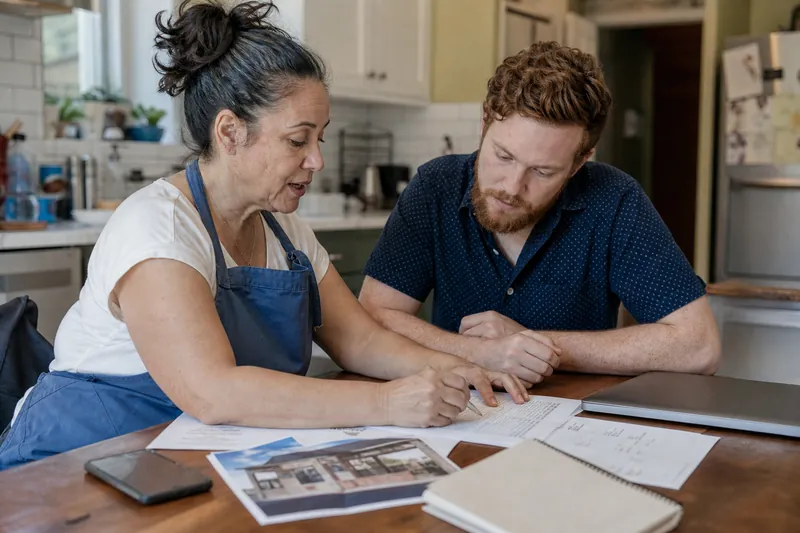 Website basics for owners · 6 min readDomain, Hosting, Website: What Each One IsA plain guide to the domain, hosting, and website itself, plus who should own each one and what goes wrong when they are split up.
 Website basics for owners · 7 min readEmail on Your Own Domain, and Why It MattersLearn why a domain email helps your business look steady, how it gets set up, and how to keep it working when you change hosts.
 Website basics for owners · 6 min readThe Padlock in the Address BarWhat the padlock means, why browsers warn without it, how SSL renews, and what to do when it breaks after a site change.
 Website basics for owners · 5 min readBackups: The Thing You Only Miss OnceLearn what a website backup is, where it should live, how often to make it, and how to test a restore before you need it.
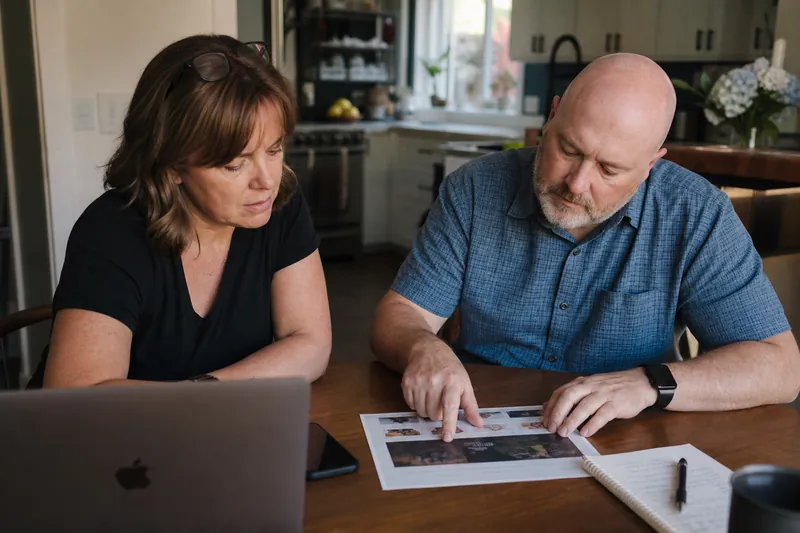 Website basics for owners · 6 min readUpdating Your Site Yourself Without Breaking ItMake safe website edits, avoid common mistakes, check your changes on a phone, and keep a copy before you touch anything.
 Website basics for owners · 6 min readYour Site Is Down: A Ten-Minute ChecklistA quick checklist to find out why your site is down, who to call, what to say, and how to keep customers informed while you fix it.
 Website basics for owners · 5 min readWebsite Security for a Small Business, Without ParanoiaSimple website security habits for small business owners: passwords, updates, backups, fewer plugins, and account access that stays clean.
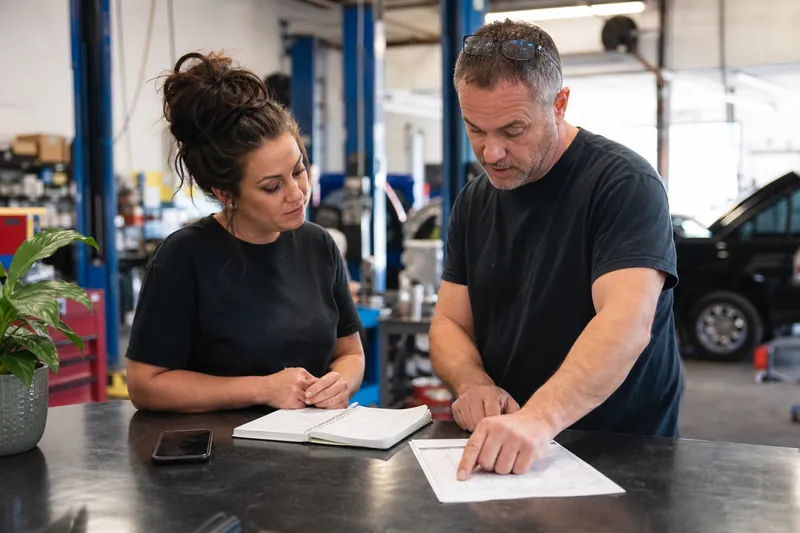 Website basics for owners · 7 min readDomain Renewals: The Reminder That Saves a BusinessA missed domain renewal can take your site, email, and profile link offline. Here’s a simple way to stay ahead of it.
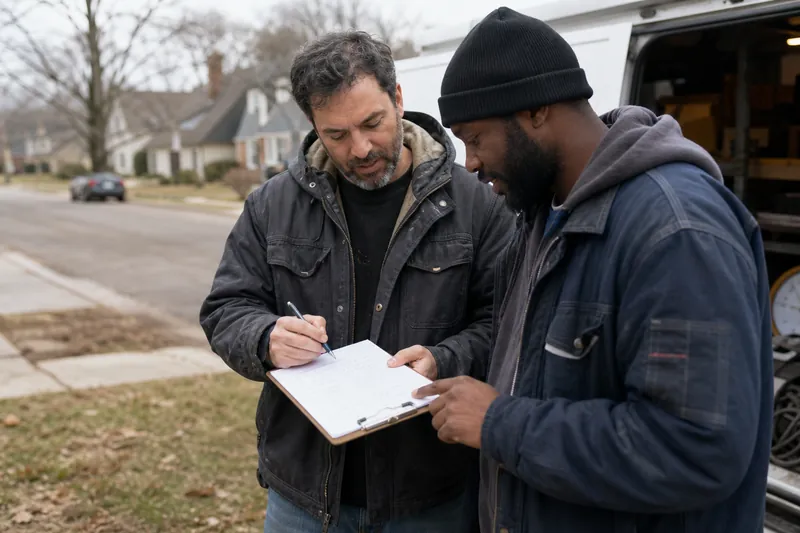 Website basics for owners · 5 min readChoosing a Domain Name for a Local BusinessPick a domain name that is short, easy to say, and clear on the phone, with your business name first and the town only when it helps.
Other topics
More on the blog
Getting found on GoogleA page for every townGoogle Business Profile and reviewsWebsites that turn visits into callsSocial media and cinematic sitesTrade playbooksHiring help, honestlyWriting and photos for your siteTracking what worksFrom first call to repeat customerSeasons, storms and slow monthsGetting leads, trade by tradeWhat a website costs, trade by trade
Want us to do it for you?
One message is enough
Tell us your trade and the towns you actually drive to. A person reads it and a person replies, usually the same day, in English or Spanish.