Brixel Proyect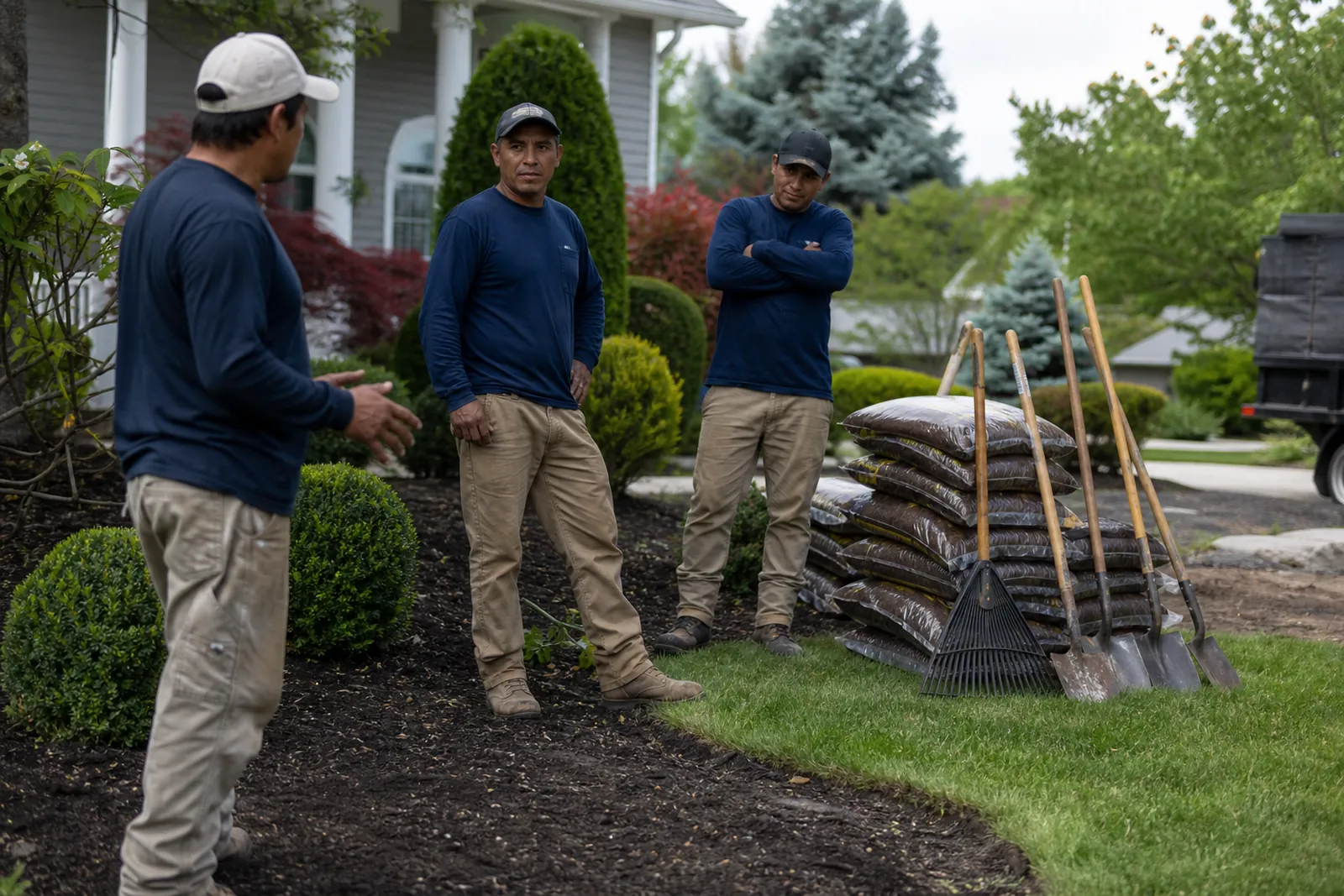
Start with the two kinds of work you sell
A lot of landscaping websites try to talk about everything at once. That makes it hard for a visitor to know if you handle weekly care, one-time cleanups, planting, hardscape design, or all of the above. Your home page should separate those jobs right away.
Think in two buckets: recurring care and project work. Recurring care includes mowing, edging, trimming, mulching, and seasonal visits. Project work includes landscape design, sod replacement, drainage fixes, and bigger makeovers. If you do both, give each its own path on the site so people can find what fits their need.
- Put weekly care and project work in different menu items.
- Use plain labels like Lawn Care, Landscape Design, and Seasonal Cleanups.
- Show which jobs are ideal for homes, HOAs, or small businesses if that applies.
Build service pages around real jobs
Each service page should answer a simple question: what problem do you solve, what does the work include, and what should the customer expect next? A good page for mulch refresh or hedge trimming does not need fancy language. It needs clear details and a contact option.
Describe the work in the order a customer experiences it. Start with the problem, then explain your process, then say what you need from them. For example, if you handle seasonal cleanups, mention leaf removal, bed clearing, debris hauling, and plant care. If you do design projects, explain how you handle the site visit, the plan, the materials, and the install. Keep each page honest about the size of job you want.
- Add a few common questions under each service.
- Mention if you work by route or by appointment.
- Say what kinds of properties you do not take on if that saves time.
Make routes and coverage easy to understand
Landscaping is local, and many buyers want someone who already works near them. That makes service area pages and neighborhood pages useful, but only if they are written like real local pages, not copied text with a place name swapped in. Show where your crews already work, how you group stops, and what that means for the customer.
If you run routes, say that clearly. People who need weekly care want to know if you serve their street on a set day or if you take jobs across a wider area. If you travel for design work, say that too. A simple note like “we work in Coral Gables, South Miami, and nearby neighborhoods” is better than a long list that feels padded. When the route is the reason you can take a job, put that front and center.
- Create a page for each neighborhood or city you actually serve well.
- Mention nearby landmarks only if they help a visitor place you.
- Keep the wording specific to the area, not copied from one page to the next.
Use photos that show real work, not stock scenes
Before-and-after photos are one of the strongest parts of a landscaper website. They help people see the difference between a rushed yard and one that has been cleaned up, shaped, and cared for. Use your own photos from real jobs whenever you can. A visitor trusts that much more than polished stock images that could belong to anyone.
Organize galleries by job type. A cleanup gallery should show overgrown beds, trimmed shrubs, and the finished look. A design gallery should show the starting yard, the plan, and the final install. If you do both, do not mix every photo together. Give each project a short caption that says what changed and what the client wanted. Keep the shots honest, bright, and close enough to see the work.
- Take photos before the crew starts and after the site is cleaned up.
- Use the same angle for before and after when you can.
- Add a short note about the job, not a long story.
Show the difference between weekly care and design projects
Many landscaping leads get lost because the site does not explain which services are ongoing and which are one-time jobs. That causes confusion for both sides. A homeowner looking for regular maintenance may not need a full design consult. A client with a blank yard may not want a weekly mow package.
Make that difference easy to see in the page layout and the wording. Weekly care pages should talk about consistency, route scheduling, and the tasks you repeat. Design pages should talk about planning, plant choice, layout, drainage, and installation. You can also explain which jobs pair well together, like a design project followed by regular care. That helps the visitor see the next step without pushing them.
- Put a short “best for” note near the top of each page.
- Keep service details focused on the job type, not every service you offer.
- Use separate contact forms or intake questions for care and design work if it helps your team sort leads.
Make contact simple and local
A landscaping website should make it easy to ask for a quote, request a visit, or check route coverage. Use one clear call to action on every page. Then keep the form short. Name, phone, address or neighborhood, and a short note about the yard are usually enough to start.
Add trust signals that fit a local service business. Show the cities and neighborhoods you serve, your hours, the types of properties you handle, and the best way to reach you. If you use Google Business Profile, make sure the same business name, phone number, and service area match what is on the site. If you post updates on Instagram or Facebook, link to those pages only if they are active and useful.
- Place the contact button near the top and again near the bottom.
- Ask for a photo upload if the job is a design or cleanup estimate.
- Keep the phone number clickable on mobile.
Questions owners ask
Should a landscaper website focus on mowing or design first?
Lead with the work that brings you the most of the right calls. If you run a route, weekly care should be easy to find. If you want bigger projects, give design and install work its own place near the top.
How many neighborhood pages do you need?
Only as many as you can write well. A few strong pages for neighborhoods you truly know is better than a long list of thin pages. Each one should mention the kind of work you do there and why that area fits your route.
What photos help most on a landscaping site?
Real before-and-after photos from actual jobs help the most. Show the yard before work starts, a mid-job shot if it adds context, and the finished result. Use captions that say what changed, not just the location.