Brixel Proyect
Start with the business name and category
Begin with the name people actually see on your storefront, invoices, truck, or website. Do not add extra keywords, city names, or slogans to the business name. That may look helpful for search, but it creates confusion and can cause problems later.
Your main category matters more than most owners think. Pick the one that matches your core service, not the broadest one you can find. A locksmith should not pick a category that sounds close but does not fit the work. A salon should not use a category that only fits a side service.
Then check the extra categories. Add only the ones that match services you truly offer. If you do not provide a service every week, leave it out. A profile with too many loose categories looks scattered and can make the wrong people call.
- Use your real business name only.
- Choose one main category first, then add a few close matches.
- If a category feels stretched, skip it.
Set your service area and address the right way
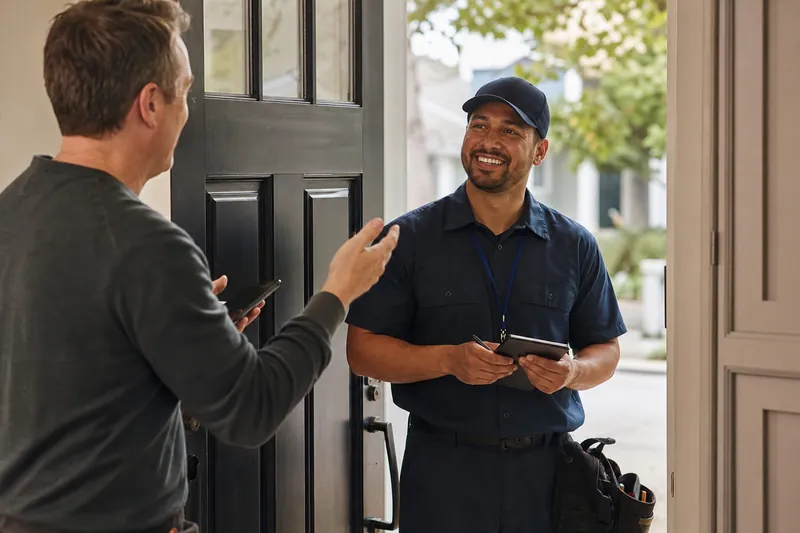
If you meet customers at your location, your address should be accurate and complete. If customers do not come to you, hide the address and set service areas instead. Do not mix the two just because it feels safer. Google wants the profile to match how you actually work.
Service areas should reflect places you really serve. Do not try to cover a huge map just to look bigger. Pick the cities or nearby areas that make sense for your route and your team. If you work across a wider region, list the areas you can support well, not every place you have heard of.
Make the profile easy for a real person to understand. A customer should be able to tell in a few seconds if you come to them or if they need to visit you.
- Hide the address if customers do not visit your location.
- List nearby service areas you truly cover.
- Keep the setup simple and honest.
Fill out hours, services, and the description
Hours are one of the first things people check. Set your regular hours, holiday changes, and any special hours for open houses or seasonal changes. If your hours are wrong, people may call at the wrong time and feel ignored when no one answers.
The services section should not read like a slogan. Write the services in plain language, the same way a customer would ask for them. If you are a plumber, list the kinds of repairs and installs you really handle. If you run a salon, list the services clients book most often. Keep the list focused and accurate.
The description is your chance to explain what you do in a normal voice. Say who you help, what kind of work you do, and what makes your business straightforward to deal with. Do not stuff it with city names or repeat the same phrase over and over. Write for a person who is deciding if you are a fit.
- Check holiday hours before busy seasons.
- Use plain service names customers already know.
- Write the description like you are talking to a caller.
Add photos that match the real business
Photos help people feel more comfortable before they contact you. Use recent, clear images of the team, the work, the vehicle, the shop, the waiting area, or the finished job. A profile with no photos can feel unfinished, and a profile with only old stock-style images can feel less trustworthy.
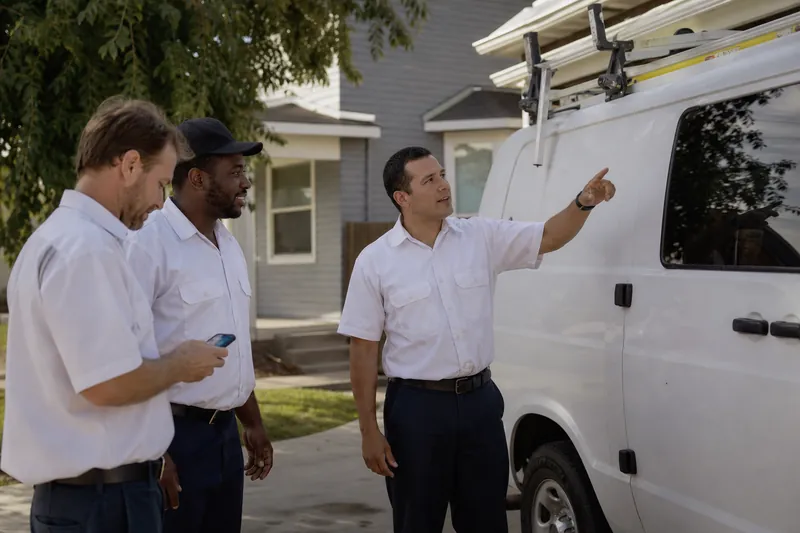
You do not need a gallery full of polished marketing shots. You need honest pictures that show what a customer can expect. A contractor can show a neat truck, clean tools, and a job in progress. A clinic can show the front desk, waiting room, and staff in a natural setting. A salon can show the space, the stations, and examples of real work.
Try to avoid blurry shots, dark corners, and photos with heavy filters. The goal is not to impress people with editing. The goal is to help them see the business clearly.
- Use recent photos, not old ones.
- Show people, places, and work.
- Keep the images bright and natural.
Check the website link, phone number, and hidden settings
Make sure the website link goes to the right page. If you have a page made for your city or service, send people there instead of a generic home page that makes them hunt for details. The page should match the service people saw on the profile.
Your phone number should be the one you answer most often. If a call goes to the wrong line, or a shared line nobody watches, people may give up. Use the number that best matches how you handle real customer calls.
Then look for the settings people forget. Check messaging if you want it on, turn it off if you cannot monitor it, and make sure appointment links, hours, and business attributes match your real setup. If you have moved, changed your service area, or changed your main line, update those details right away. Small mismatches can create a lot of confusion.
- Link to the page that best matches the profile.
- Use the phone number you really answer.
- Review messaging and other settings after any business change.
Do a final pass like a customer would
After the setup is done, look at the profile from the customer’s side. Ask a friend or team member to check the name, category, service area, hours, services, description, photos, website link, and phone number. If they can find what they need fast, you are in good shape.
Watch for small problems that often slip through. A wrong suite number, an old holiday schedule, a broken page link, a service area that is too broad, or a description that sounds copied from a template can all make the profile feel neglected. None of these are hard to fix, but they matter.
Also keep your profile aligned with your website and your other public pages. When the details match, people feel more confident that they are dealing with a real business that pays attention.
- Read the profile as if you need service today.
- Fix small mismatches before they pile up.
- Keep the profile in step with your website and other pages.
Questions owners ask
Should I add every service I offer to my Google Business Profile?
Add the services you truly provide and want calls for. If a service is rare, seasonal, or not something you want to handle often, leave it out. A shorter, clearer list is usually easier for customers to understand.
Do I need a storefront address if customers do not come to me?
No. If you work from a shop but customers do not visit, hide the address and use service areas instead. That keeps the profile aligned with how you actually do business and avoids confusion.
How often should I review my profile setup?
Check it any time your hours, service area, phone number, or website changes. It is also smart to do a quick review at the start of busy seasons or after any staff change. Small updates keep the profile accurate without much effort.