Brixel Proyect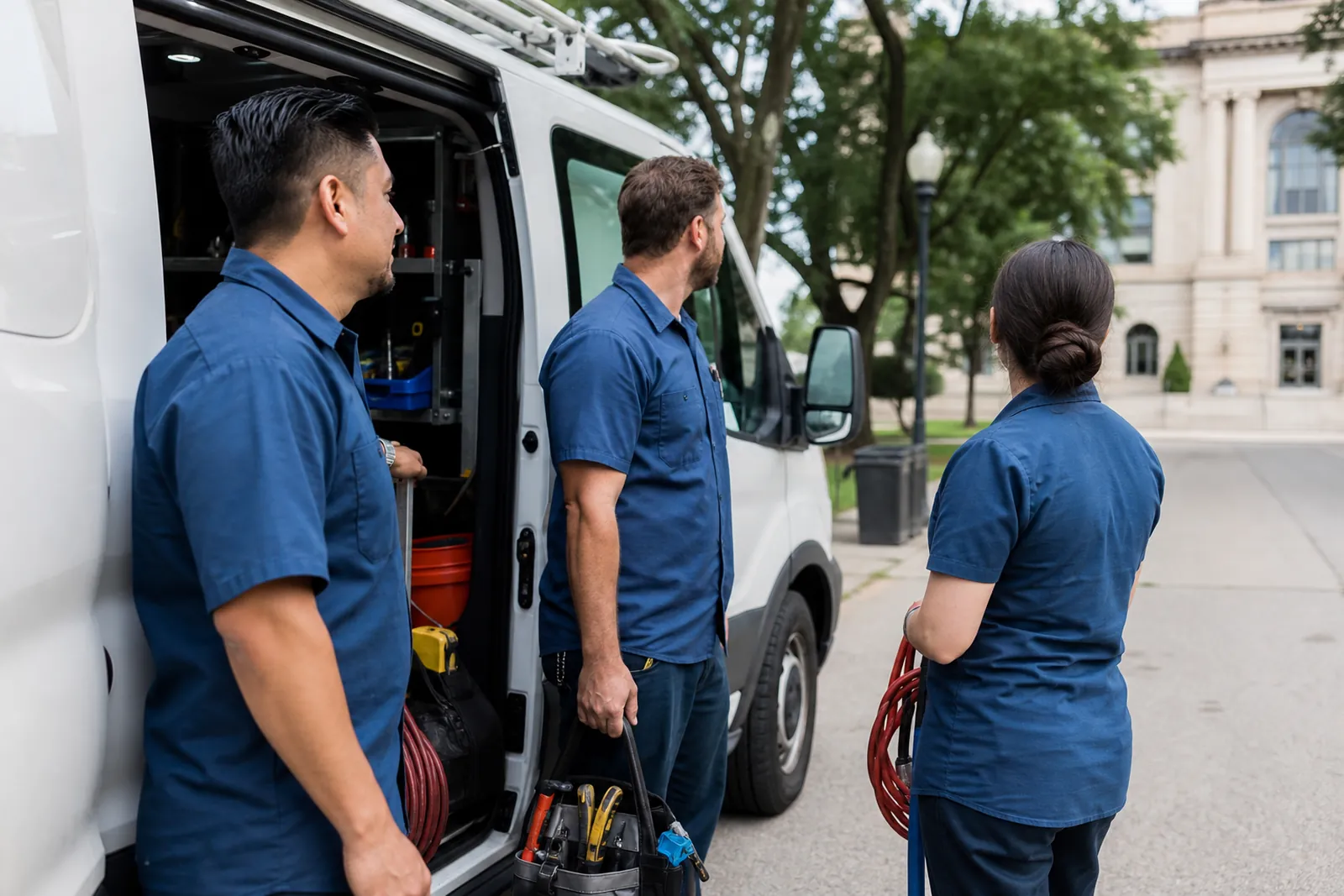
Start with the job you are trying to win
Before you pick any photo, ask what the page is supposed to do. If you are a plumber, people want proof that you work in homes like theirs. If you are a locksmith, they want to see a van, a tech, and a calm, local feel. If you are a salon or clinic, they want clean, friendly images that feel close to the town, not stock art that could belong anywhere.
That means the first photo plan should be simple: show your team, your vehicle, and one or two nearby places that make sense for the town. You do not need a perfect gallery. You need enough honest pictures so a visitor thinks, yes, this business can come to my area and knows what it is doing.
- Match the photo to the service, not just the town name.
- Use real people and real equipment, even if the setting is simple.
- Think about the visitor’s first question: do they work near me?
Use photos you can get right away
If you have no local job photos yet, start with the assets already in your hands. Take a clean shot of the van on a street in that town, parked legally and without blocking traffic. If you can, place the truck near a well-known public spot or a streetscape that clearly fits the area. Do not fake a job site. A real vehicle in the town is enough to show local reach when the rest of the page is honest.
Then add crew photos. A team shot outside the vehicle, a tech holding the right tool, or a front-office photo in work clothes can all help. Keep them natural. A stiff pose in front of a blank wall does less than a simple candid photo with a real smile. If you have a small office, use it. If you work from a truck or van, that is fine too.
- Take more than one angle so you are not stuck with one weak image.
- Shoot in daylight when possible.
- Keep the vehicle clean enough that it helps the page instead of distracting from it.
Make the town feel real without pretending
A town page gets stronger when the photos look connected to the place. That does not mean you need a job on every street. It means you should use familiar local cues: a main road, a city park edge, a civic building area, or a neighborhood street that clearly belongs to the town. The goal is context, not theater.
Avoid photos that fight the page. A van parked in front of a very generic warehouse can work, but a random image from another city can make the whole page feel off. The same goes for stock photos that are too polished or too broad. If a photo could be from anywhere, it usually should not be the main image on a local page.
- Use local backgrounds that fit the business and the town.
- Skip overly staged stock images.
- Do not crop out details so much that the image loses all place.
Write captions that tell the truth
Captions can carry a lot of trust. A photo of the van near a town landmark can say, 'Our crew on a service day near downtown' if that is true. A crew photo can say, 'Our team before a repair call in the area' if it reflects real work. Keep the wording plain. You are not trying to hype the image. You are trying to help the visitor understand what they are seeing.
Never write a caption that claims a job you did not do. If the photo is of your team by the truck and not at a customer home, say that. If the shot is from a town visit before you had a project there, be clear about it. Honest captions may sound simple, but they keep the page from feeling misleading. They also make it easier to update later when you have real job photos.
- Use captions to explain location, team, or service context.
- Do not label a staged photo as a completed job.
- Keep every caption short and clear.
Build a simple photo ladder for the page
Think in stages. Stage one is starter photos: van, crew, tools, and a local background. Stage two is your first job photos from that town. Stage three is better before-and-after shots, customer permission photos, and closer work detail. This gives you a plan instead of a one-time fix.
When the first local job comes in, take the right photos on purpose. Get one wide shot, one detail shot, and one image that shows the team in the space. Ask yourself before you leave the site: would this photo help the next person from this town trust us? If not, take one more. A little planning on site saves you from scrambling later.
- Make a shot list before each job.
- Save each town’s photos in its own folder.
- Replace starter photos as soon as you have better local ones.
Keep the page from looking copied
If you are making pages for several towns, do not use the same photo set on every page. That makes the site feel thin fast. Change the lead image, vary the captions, and use the right town details in each set of photos. Even a small change, like a different street or a different crew pose, helps a page feel made for that town.
Also watch the ratio of photos to text. A page with a few honest images and useful service details often feels better than a page stuffed with pictures that say nothing. Use the photos to support the page, not to hide weak writing. If a photo does not help the reader trust you, leave it out.
- Give each town page its own lead image.
- Avoid repeating the same crew shot everywhere.
- Use photo variety to support local proof.
Plan the upgrade path from day one
The smartest way to handle a town page with no local photos is to treat the starter set as temporary. Add a note to your content plan that says which images will be swapped first. For many businesses, the van shot is fine for a while, but the first real job photo should move to the top of the page as soon as you have it. That shows progress without making the page feel unfinished.
You can also set a small habit: after every town job, check whether you got one photo worth using on the page. If the answer is yes, save it, caption it, and mark the old image for replacement. Over time, the page becomes more specific, more credible, and easier to maintain. If you want help setting up that kind of local page system, we at Brixel Proyect build it with the update path in mind.
- Mark which image should be replaced first.
- Review town pages after each local job.
- Keep the upgrade plan as part of your content notes.
Questions owners ask
Can I use stock photos on a town page?
You can, but use them sparingly. If the image could belong to any city or any company, it does little to help local trust. Real photos from your team, your vehicle, or a nearby place usually work better.
What if I have no work in that town yet?
Use honest starter photos that show your business is real and ready to serve the area. A van, crew, tools, and a local background can do that job. Then replace those images with actual local job photos as soon as you get them.
How many photos should a town page have?
Enough to support the page without making it feel crowded. A few strong images are better than a big stack of weak ones. Focus on one lead image, one team or vehicle photo, and one or two service photos that feel right for that town.