Brixel Proyect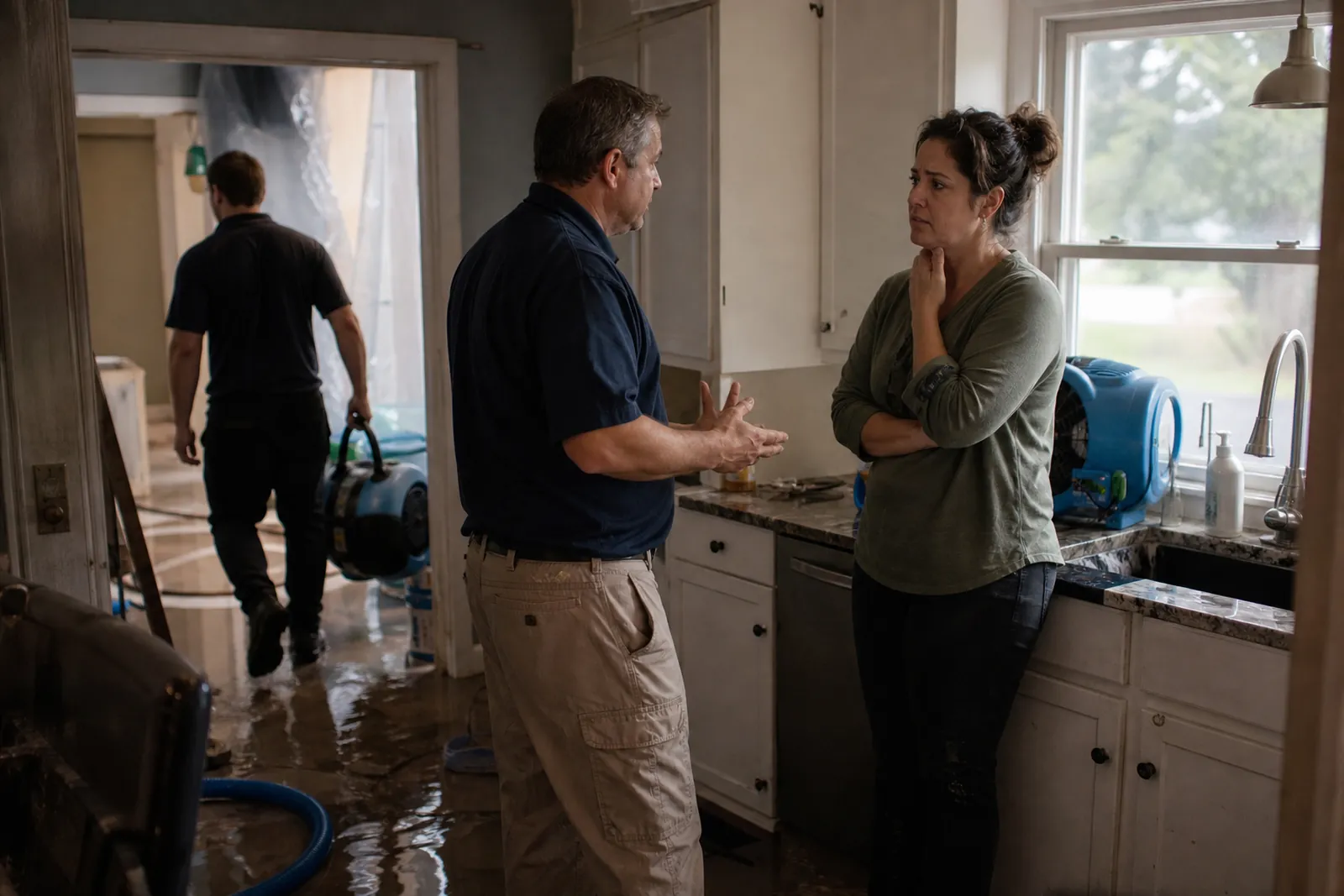
Start with the problem people are living through
Most visitors do not come to your site in a calm frame of mind. They are standing in wet rooms, smelling smoke, finding mold, or trying to figure out what to do next. Your home page should speak to that moment right away, with plain words that say you help after water damage, fire damage, and mold problems.
Keep the first screen simple. Say what you do, where you work, and what people should do now. A short line like "Call now for water, fire, and mold cleanup" does more work than a long paragraph full of general claims. People want to know if you can help them, not read a company history first.
- Put your phone number where it is easy to see on a phone.
- Use plain service names, not industry jargon.
- Add a short line about the areas you serve.
Build separate pages for water, fire, and mold
One page for all restoration work is usually too broad. People searching after a specific problem want to see that you handle their exact issue. Create separate pages for water damage, fire damage, and mold remediation so each page can answer the right questions.
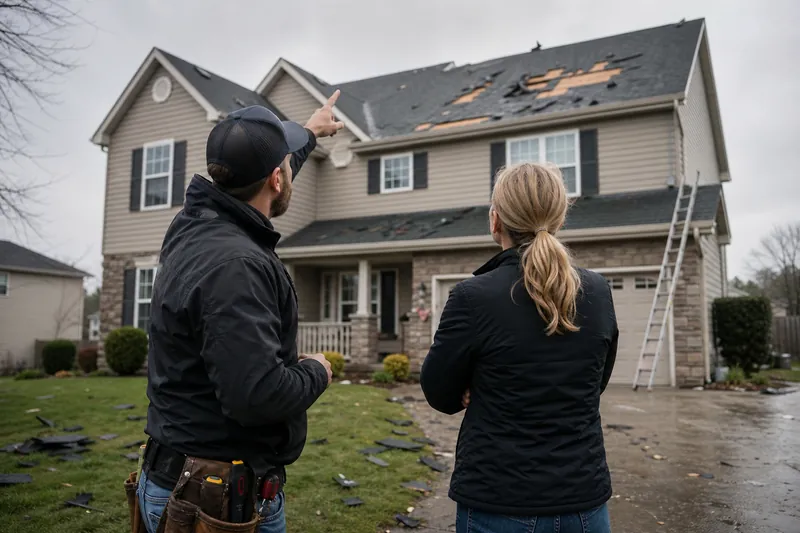
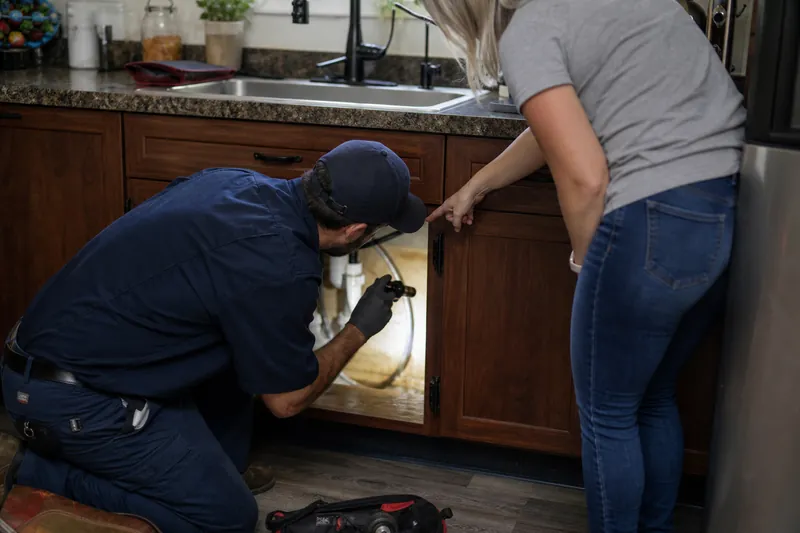
On the water damage page, explain common causes like leaks, burst pipes, appliance failures, and storm damage. Tell people what you can do right away, such as drying, cleanup, damage assessment, and help with next steps. On the fire page, cover smoke cleanup, soot removal, odor issues, and coordination after the fire is out. On the mold page, explain what signs people may notice, how you inspect, and how you handle containment and cleanup.
- Use one main idea per page.
- Add local examples when they fit your service area.
- Write for the worried homeowner, not for other contractors.
Explain the first hour after the call
A strong restoration website does more than say what you do. It helps people understand what happens next. Many visitors are scared to call because they do not know what the process looks like. A short section called "What to do first" or "What happens after you call" can calm that fear.
Walk them through the first steps in plain language. Tell them to stop the source of water if it is safe, stay out of unsafe rooms, avoid disturbing damaged areas, and call you right away. Then explain what your team does next: answers the call, asks a few questions, schedules a visit, checks the damage, and starts the cleanup plan. Keep the tone calm and clear.
- Make the first-step advice easy to scan.
- Say what not to do as well as what to do.
- Do not make the reader feel blamed for waiting.
Show how you work with insurance without sounding vague
Many restoration jobs involve insurance questions, so your site should explain that process in a way people can understand. You do not need to promise that insurance will cover anything. Just explain that you can help document damage, share photos, write notes about the job, and communicate with the adjuster when needed.
This page content should be careful and honest. Say that every claim is different and that the insurer makes the final decision. That kind of wording builds trust because it sounds real. If you handle estimates, billing questions, or paperwork support, say that plainly. If you do not handle something, do not imply that you do.
- Use a section like "How we help with insurance".
- Keep your wording clear and cautious.
- Avoid claims that sound like a promise.
Make the emergency line easy to trust
A 24/7 line only helps if it is really answered. If people call and get voicemail every time, they will move on fast. Your site should say that the line is answered after hours if that is true. If a real person cannot always pick up, say what happens next and how quickly someone follows up.
Put the emergency number in the header, footer, and contact page. Use a short line near the number that tells people what kind of calls belong there. For example, "For active leaks, fire damage, or urgent mold concerns, call now." If the same line is for office hours and emergencies, make that clear too. Do not hide behind a form when a person needs to talk to someone.
- Test the line from a phone the way a customer would.
- Make sure after-hours routing works.
- Do not label a number as 24/7 unless someone truly answers it.
Add proof that feels local and real
People choosing a restoration company want signs that you know their kind of job and their part of town. Add photos of real crews, real equipment, and real cleanup work. Skip stock images that look polished but empty. A visitor can usually tell the difference right away.
Use short service-area pages for the neighborhoods and cities you cover, but keep them useful. Mention the kinds of properties you work on, the problems common in the area, and how people can reach you. If you have before-and-after photos, use them carefully and with context. A few clear examples do more than a page full of generic praise.
- Use your own photos whenever possible.
- Keep testimonials short and specific.
- List the cities and neighborhoods you actually serve.
Write the site so busy people can act fast
A restoration site should read quickly on a phone. Short paragraphs, clear headings, and simple buttons help people find what they need when they are under stress. Make the contact page easy to reach from every page, and keep the menu short.
Your forms should ask only for the basics: name, phone, address, and what happened. A long form can wait. The same goes for long blocks of text. If a visitor is reading on a phone with water on the floor beside them, every extra line matters. Put the most urgent actions first and the background details lower on the page.
It also helps to keep your wording steady across the site. If you say "water damage" on one page and "water mitigation" on another, some visitors may not know those are connected. Use the common phrase first, then the technical term if you need it. That keeps the site useful for real people and still works for search.
- Use short buttons like "Call now" and "Get help".
- Keep forms short.
- Review every page for plain, direct wording.
Questions owners ask
Should a restoration website focus more on homeowners or property managers?
You can speak to both, but your home page should lead with the person in distress. Then add clear paths for homeowners, property managers, and insurance-related jobs. That way each visitor can find the part that fits their situation.
Do I need separate pages for water, fire, and mold if my team handles all three?
Yes. Separate pages let you explain each job in a way that feels specific and useful. A single broad page often gets too vague, and people may not feel sure you handle their exact problem.
What should I avoid saying on a restoration website?
Avoid vague claims like "we handle it all" without details, and avoid promises about insurance or speed. Also do not say your emergency line is answered around the clock unless it really is. Clear, honest wording works better than big claims.