Brixel Proyect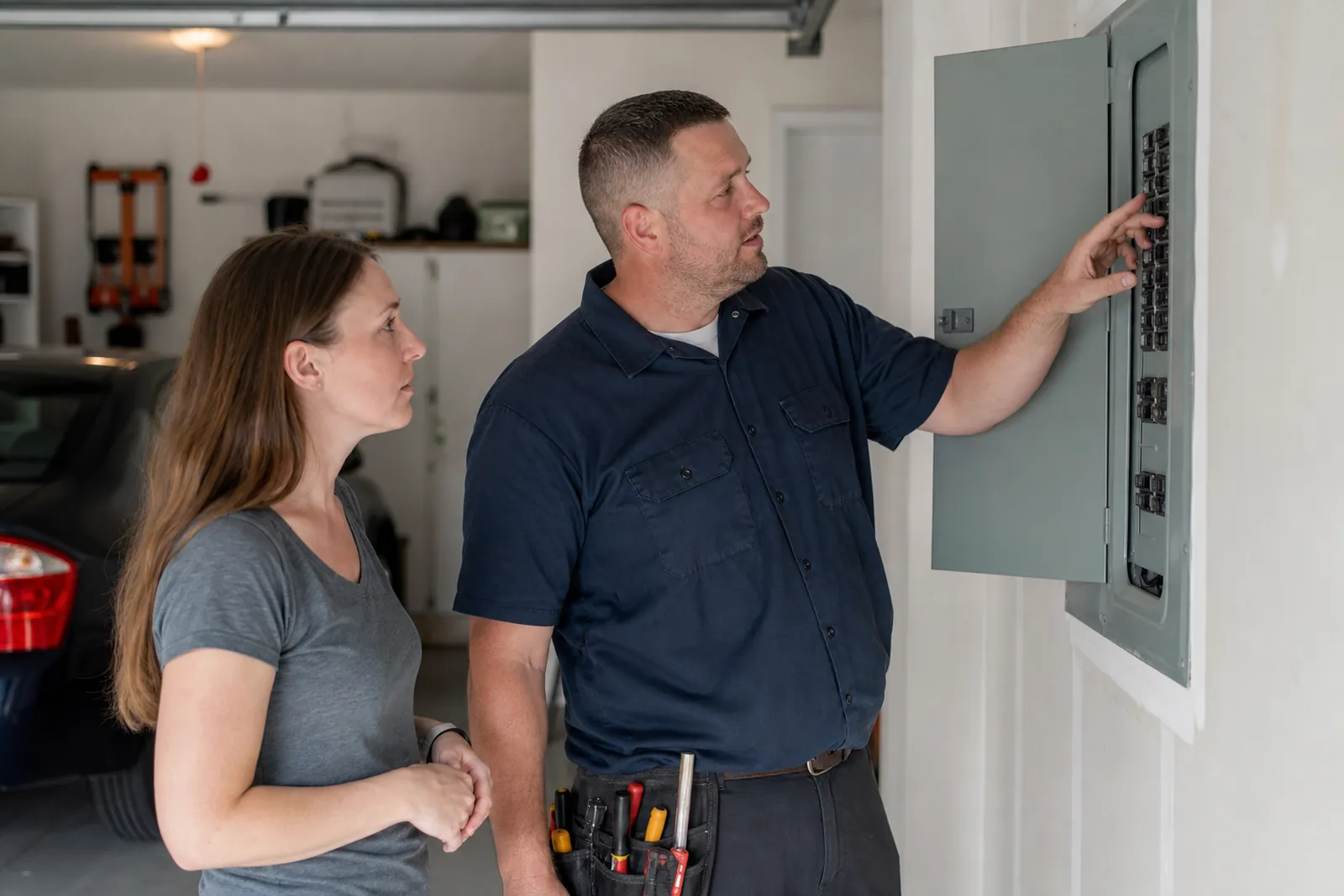
Start with the jobs you want more of
Do not treat your homepage like a long brochure. Start by deciding which calls matter most for your business. For many electricians, those calls include safety issues, panel upgrades, generator installs, EV charger work, and repair jobs that can wait for an appointment.
Put those services where people can see them right away. A homeowner dealing with tripping breakers should not have to hunt through a general services list to find panel work. A property manager looking for a planned upgrade should not have to guess if you handle commercial jobs.
Use plain words. Say "panel upgrade," "generator install," "EV charger installation," "troubleshooting," and "safety inspections" if those are the jobs you want. Skip vague labels like "electrical solutions" unless you explain what they mean.
- List your top services in the first screen of the homepage.
- Use the same service names across the homepage and service pages.
- If you do not want emergency calls, say that clearly.
Build service pages that answer the real question
Each main service should have its own page. A good page for panel upgrades explains why someone might need one, what signs to watch for, and what the work usually includes. A generator page should cover standby units, backup power needs, and when planning is better than waiting for a outage.
EV charger pages need simple, useful detail. People want to know if their home panel can support the charger, where the unit might go, and what the installation process looks like. You do not need to sound technical to sound capable.
For safety calls, focus on speed and care. Explain that you handle burning smells, outlets that spark, breakers that trip often, lights that flicker, and other problems that should be checked before they turn into something worse. Keep the language calm and direct.
Do not write one page and call it enough. A page that says "we do it all" usually tells the reader nothing. Better to write a few clear pages that each fit a real type of call.
- Add one photo or two from real jobs to each page.
- Put the service area and contact button near the top.
- Use short headings like "Signs You May Need This" and "What the Work Includes".
Make safety the tone, not the headline
Electrical work carries more trust than many other home services. Your website should sound careful, not casual. That means explaining when a problem needs fast attention and when a project can be planned out instead of rushed.
A good safety section can cover common warning signs in simple language. Mention hot outlets, repeated breaker trips, buzzing from a panel, lights that dim without reason, or a charger that keeps shutting off. Then tell the reader to contact a licensed electrician rather than guessing.
Avoid dramatic claims. Do not say every problem is an emergency. That can sound pushy and make readers tune out. Give them a clear way to decide: if there is smoke, heat, sparks, or a burning smell, call right away; if the issue is recurring but stable, ask about scheduling a visit.
This tone works well for both homes and businesses. It shows that you understand risk without turning the site into a scare tactic.
- Write a short safety note on the homepage and each service page.
- Use calm language around urgent issues.
- Tell people what not to do, such as ignoring a hot outlet or resetting a breaker over and over.
Show licenses, permits, and the way you work
Many readers will look for proof before they call. Put your license details, insurance if you carry it, and permit knowledge where people can find them without digging. You do not need a long legal paragraph, just a clear statement that you are licensed for the work you take on and that you handle permit work when needed.
If you often work with permits, say so in plain language. Homeowners and property managers do not always know which jobs need approvals. A short note like "we can help with permit-related work for panel replacements and major upgrades" can remove hesitation.
Then explain your process. People relax when they know what happens next. A simple process page can say that you start with a call, ask a few questions about the job, schedule a visit, inspect the issue or site, explain the options, and then move forward with the work the customer approves.
Do not overstate speed or outcomes. The point is not to promise magic. The point is to show that you have a steady process and that you keep the customer informed.
- Place license and permit information near the footer and on the contact page.
- Add a short process section with plain steps.
- If you work with inspections or approvals, explain that early.
Write for planned upgrades, not only emergencies
A lot of electrical websites only talk about urgent calls. That leaves out the people planning ahead. Planned upgrades can be a strong part of your site because they are easier to explain and often need more trust before the call.
Use separate pages or sections for panel upgrades, generator installs, and EV charger projects. On each page, explain who usually needs the service. For example, older homes may need panel work because of added load, while a growing household may want a generator or charger because the current setup no longer fits the way they live.
Show that planning matters. A reader should understand that these jobs may involve site checks, load review, equipment selection, and scheduling around the home or business. That makes you look organized and helps the customer picture the job before they reach out.
If you also do troubleshooting, mention that planned work and repair work both start with the same thing: a careful look at the system, then a clear explanation of what you found.
- Create one page each for panel work, generator work, and EV chargers.
- Explain who the page is for and what the job usually includes.
- Add a short "When to plan ahead" note on each page.
Help the right person contact you without hesitation
Your contact page should make the next step feel simple. Put the phone number, service area, and a short form in clear view. If you want calls for certain jobs only, say that. If you take residential, commercial, or both, name it plainly.
Use the form to ask only what you need: name, address or neighborhood, type of electrical work, and a short note about the issue or project. Long forms slow people down, especially if they are calling about a safety problem.
Add a few lines that set expectations. Tell them when to call for urgent problems and when a planned visit makes more sense. If you are booked out, say that you will reply as soon as possible instead of leaving people to wonder.
Photos can help here too. A real team photo, a shot of a clean truck, or a picture from a jobsite with the customer’s permission can make the business feel more real than stock images ever do.
- Keep the contact form short.
- Repeat your service area on the homepage and contact page.
- Use real photos from jobs, not generic stock images.
Keep the site useful after it goes live
A good electrician website does not stay the same forever. As you take on new kinds of work, add a page or update an old one. If you start offering generator installations, give that service its own space. If you change how you handle permit work, explain the new process clearly.
Watch how people find you in Google Search Console and how your business appears in Google Business Profile. If you see a page getting attention but not enough calls, check whether the page answers the question fast enough or buries the contact details too low.
Keep your language close to how customers speak. If clients call it a panel changeout, you can use that phrase once and then explain it as a panel upgrade. If they say charger install, use that too. The goal is to sound like a knowledgeable neighbor, not a textbook.
At Brixel Proyect, we often see electrician sites improve when they stop trying to say everything and start making each page do one clear job. That usually makes the whole site easier for real customers to use.
- Review your main pages every few months.
- Add new service pages when the work is part of your normal offering.
- Trim any section that feels vague or repetitive.
Questions owners ask
Should an electrician website focus more on emergencies or planned work?
It should do both, but not in the same way. Emergencies need clear safety language and a fast contact path. Planned work needs its own pages so people can understand panel upgrades, generators, and EV chargers before they call.
Do I need separate pages for every service?
You do not need a page for every small task, but your main services should each have their own page. If a service gets its own kind of search or its own sales conversation, it usually deserves its own page.
How much technical detail should I put on the site?
Enough to show that you know the work, but not so much that the page turns into jargon. Most visitors want to know what the job is, what signs point to it, how the process works, and how to reach you.