Brixel Proyect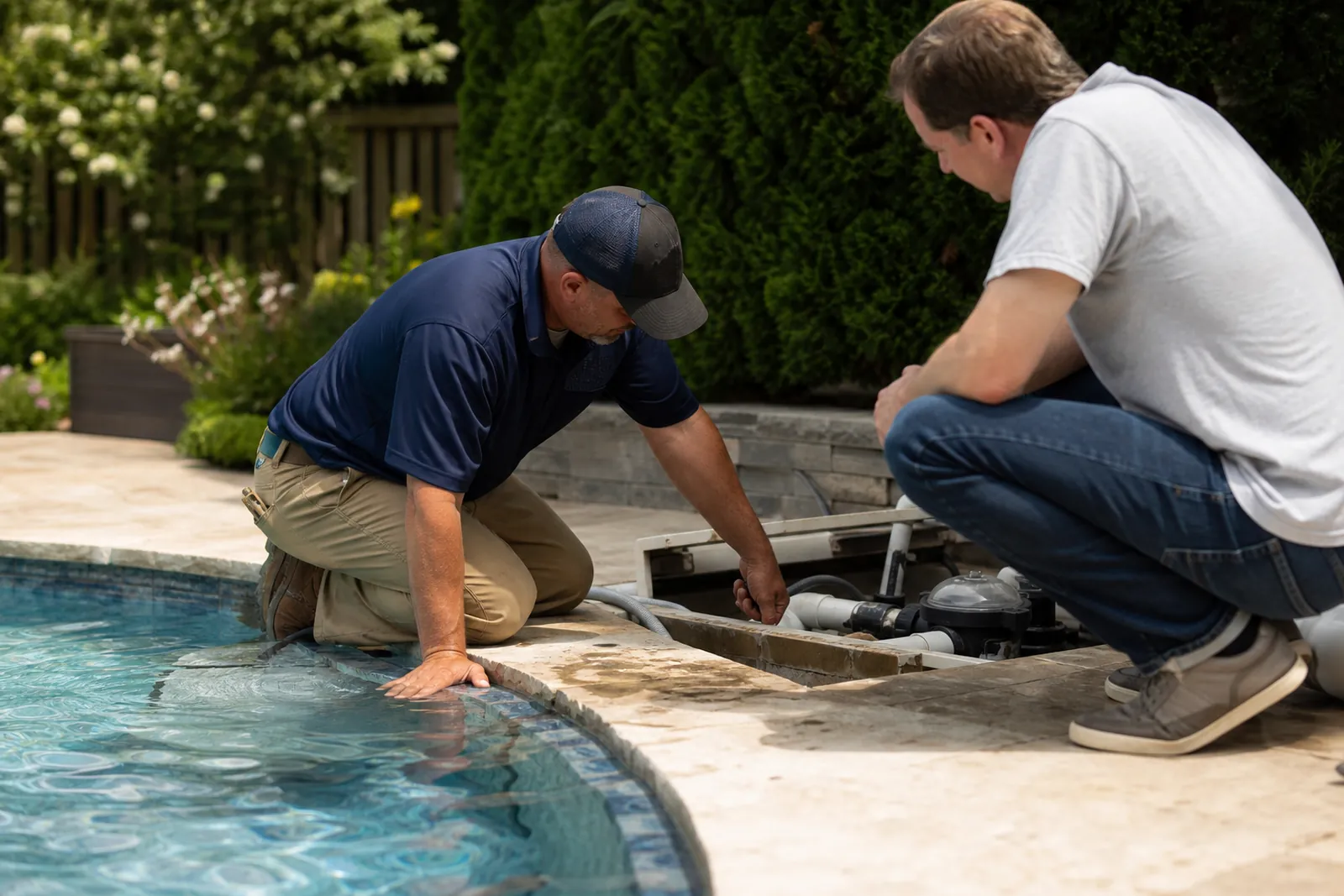
Start with the kinds of jobs you want most
A lot of pool company sites try to cover everything at once. That usually makes the message fuzzy. Start by deciding what you want more of: weekly service routes, green pool cleanups, equipment repair, or a mix of all three.
Put those services in plain view on the home page. A homeowner should know in a few seconds that you handle routine cleaning, chemical balance, pump and filter issues, algae cleanup, and equipment checks. If you also serve apartment pools, HOA pools, or vacation homes, say that clearly too.
Do not hide the main work under clever phrases. Say what you do the way a customer would search for it. For example: weekly pool service in Miami, green pool cleanup, pump and filter repair, salt system service, and one-time rescue visits.
If you have a service area, keep it simple. List the neighborhoods or cities you actually serve, and only list places you can reach on a normal route. That helps the right people call and saves you from wasting time on leads too far away.
- Make the home page answer: what you do, where you work, and how to contact you.
- Use service names customers already know, not shop-only jargon.
- Put your best jobs first if you want more of them.
Build separate pages for weekly routes and one-time work
Weekly pool care and one-time service are not the same sale. Your website should treat them differently. A weekly service page should explain how recurring visits work, what gets checked each visit, and who fits that plan best.
Talk about routine tasks in a practical way. You can mention skimming, vacuuming, brushing walls, checking water level, testing balance, emptying baskets, and keeping an eye on equipment. That makes the service feel real, not generic.
Then create a page for one-time visits or rescue jobs. That page should speak to people who need help now, but also leave room to move them into regular service later. A good example is a homeowner with cloudy water who wants the pool usable again, then realizes they need help keeping it that way.
Use the page to set expectations. Explain what a one-time visit can solve, when a follow-up is needed, and why a stable weekly route often costs less stress than repeating emergency calls. Do not promise that every pool can be fixed in one visit. Just explain your process and the kinds of issues you handle.
If you run fixed routes by neighborhood, say so. People like knowing a company already works nearby. You do not need to list every street. Just show that you are familiar with the area and organized enough to keep service consistent.
- Give weekly service and one-time service their own pages.
- Explain what happens during a visit, not just the name of the service.
- Invite rescue-job customers to ask about ongoing care after the first cleanup.
Make green pool recovery easy to understand
Green pool cleanup is one of those services that needs a calm, clear explanation. People searching for it are often stressed and want to know if you can help without making the situation feel worse.
Use a page that walks through the problem in simple language. Explain that green water can come from algae, chemical imbalance, filtration issues, or a mix of problems. Then explain what you check first, what equipment may need attention, and what a visit can involve.
Avoid dramatic language. Do not write as if the pool is beyond saving, and do not make it sound like a magic fix. Instead, explain that a proper recovery often involves clearing debris, checking circulation, cleaning filters, adjusting balance, and monitoring the water over more than one step.
Photos help here, but choose them carefully. Show real pools you have worked on, with natural light and normal settings. Before-and-after photos can help if they are honest and not overedited. Do not use fake stock photos that make the work look staged.
This page is also a good place to explain who should call you first. A homeowner with a family pool, a property manager with a guest pool, or a vacation rental owner may all need the same type of help, but they care about different details. Write a line or two for each.
- Describe the problem and the process in simple words.
- Keep the tone steady and reassuring.
- Show real work, not polished stock images.
Treat repair pages like service calls, not product lists
Pool equipment repair pages work best when they explain symptoms and fixes together. A customer may not know whether the issue is the pump, filter, motor, timer, heater, or salt system. Your page should help them recognize the problem and understand that you can look at the full system.
Create a main repair page, then add smaller sections for the most common equipment you service. Use short, clear wording like pump repair, filter cleaning, leak checks, circulation problems, and salt system service. If you work on heaters, mention that too.
Do not turn the page into a parts catalog. Most customers do not care about model names until you are already on site. They care about whether the pool is circulating, whether water is moving, and whether the equipment is making strange sounds or losing pressure.
A strong repair page should also explain what happens when a customer calls. For example, you inspect the equipment, look for the likely cause, explain the next step, and tell them what work can be done now versus what may need a follow-up. That kind of clear process builds trust.
If some repairs are better handled during a regular visit and some need a separate appointment, say that plainly. It helps customers understand your schedule and keeps the page honest.
- Write around problems customers can recognize at home.
- Keep technical detail short unless it helps the reader act.
- Explain your inspection process in plain language.
Use local proof without sounding stuffed with keywords
Local service pages should sound like they were written by someone who actually works in the area. Mention neighborhoods, common pool types you see, and the kinds of routes you run. If you work near older homes, newer developments, condos, or vacation properties, say so when it matters.
Add a short section for reviews, job photos, and common questions from local customers. A few real comments from homeowners, property managers, or HOA contacts can help more than a long paragraph of self-praise.
Your Google Business Profile and your website should match. Use the same company name, phone number, service areas, and main services on both. That keeps things clear for customers and for Google Search Console when you check how your site is being found.
If you post on Instagram, Facebook, or TikTok, use those posts to show real work, not to repeat the same sales line. A quick clip of a cleaned filter, a balanced pool, or a neat equipment pad says more than a polished slogan.
Keep calls to action simple. A pool owner should know whether to call for weekly service, request a one-time cleanup, or ask for a repair visit. One button or one phone line is often better than a page full of competing offers.
- Match your website details to your Google Business Profile.
- Use local examples and real job photos.
- Give one clear next step on each page.
Turn one-time callers into regular clients
Many pool companies get one-time calls from people in trouble, then miss the chance to keep them. Your website can help with that by making the next step feel natural.
After a rescue job or repair visit, send people to a page that explains ongoing care. Talk about why weekly attention can keep the water cleaner, reduce surprise problems, and make the pool easier to enjoy. Keep the tone helpful, not pushy.
A simple way to do this is to add a short line near the end of each service page: if you only need help once, we can do that; if you want steady care after that, ask about a weekly route in your area. That gives people a path without pressure.
You can also build a small FAQ section on the site that answers real questions like how often service happens, what is included, what to do before a visit, and how to tell whether a pool needs cleanup or repair first. These answers help a hesitant customer move forward.
If your site is overdue for a cleanup, a small studio like Brixel Proyect can help shape the pages around the jobs you want without making the site feel like an ad.
Questions owners ask
Should my home page focus on weekly service or all services equally?
Lead with the work you want most. If weekly routes matter most to your schedule, make that the first thing people see, then mention cleanup and repair as supporting services. That helps the right customers know they found the right company.
Do I need separate pages for green pool cleanup and repair work?
Yes, if you want each service to be easy to understand. Green pool cleanup and equipment repair solve different problems, and customers usually search for them differently. Separate pages let you explain each one clearly without crowding the message.
How much detail should I give about equipment and chemicals?
Enough to sound knowledgeable, not so much that the page turns into a manual. Most customers want to know that you can find the problem, explain it in plain words, and handle the visit the right way. Save the deeper technical talk for the job itself.