Brixel Proyect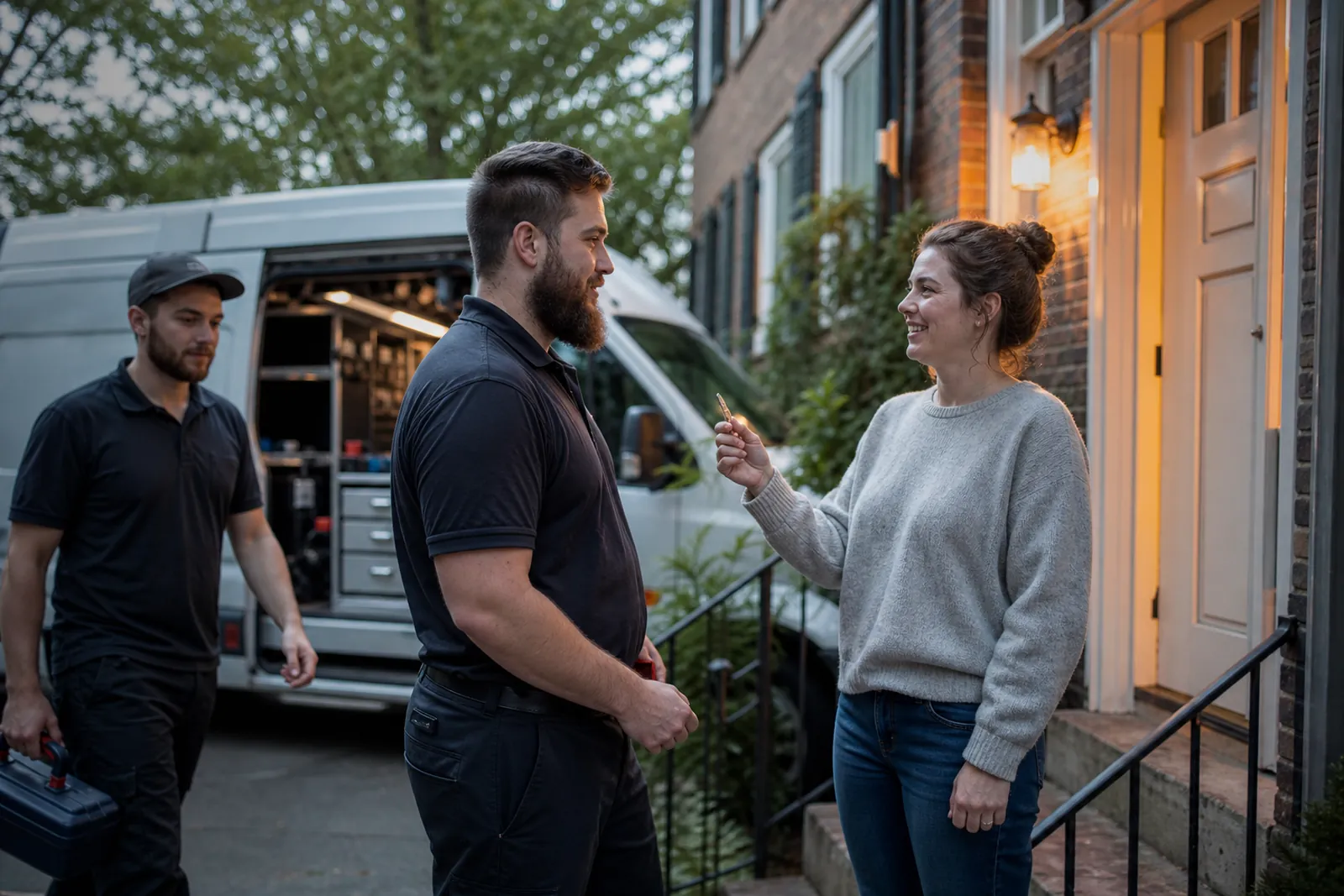
Start with the urgent searches people make
Locksmith websites do best when they match the reason someone is searching right now. A person who is locked out does not want a long company story. They want to know if you help with house lockouts, car lockouts, broken keys, lost keys, or rekeying, and they want that answer fast.
Put your main services near the top of the home page and repeat them on separate service pages. Use plain phrases people would actually type, like house lockout, car key replacement, rekey locks, lock change, and key duplication. Do not hide these services behind broad words like solutions or security services.
Each core service should have its own page. A lockout page should focus on urgent help, what to do while waiting, what you need from the customer, and which areas you cover. A car key page should explain key cutting, chip keys if you offer them, and what details help you prepare before arrival.
- Use the service name in the page heading and the first paragraph.
- Keep the phone number easy to find on every service page.
- Avoid making people click through a general menu to find emergency help.
Write pages for the most common locksmith jobs
The first page many people will need is an emergency lockout page. That page should be short, direct, and calm. Tell them who you help, what kinds of locks or vehicles you work on, and what they should have ready, such as the address, the car make and model, or proof that they live there if that applies.
Next, build a car key page. This page should not read like a generic auto service page. Talk about lost keys, broken keys, spare keys, fobs, and situations where people are stuck in a parking lot or driveway. If you do not handle a certain kind of car key, say so plainly instead of trying to cover everything.
Rekey pages matter too. Many homeowners and landlords do not want a full lock change if the hardware is still fine. Explain the difference in plain English. A rekey page can help a person understand when rekeying makes sense after a move, a tenant change, or a lost key. Add a short note on whether you rekey deadbolts, knob locks, mailbox locks, or commercial hardware if that fits your work.
- Use separate pages for lockouts, car keys, and rekeying.
- On each page, answer what the job is, when people need it, and what happens next.
- If a service has limits, say them clearly so calls are better matched.
Show arrival by town, not just a big service area
Many locksmith sites say they serve a wide region, but that does not help someone who wants to know if you can reach their street soon enough. If you cover more than one town, make pages or sections for each town and explain how you work there.
Do not fake a local presence. If your shop is in one place and you serve nearby towns, say that in a natural way. For example, you can write that you work in your home base and travel to nearby towns for lockouts, rekeys, and car key work. Then list the towns you actually cover.
If you mention arrival times, keep the wording careful and honest. Say you aim to arrive as quickly as traffic and job load allow, or that arrival depends on where the call comes from. Avoid hard promises you cannot control. People care more about clarity than hype.
Town pages can also help you sound familiar with the area. Mention common neighborhoods, apartment types, gated communities, business parks, or older homes if they fit your real experience. The goal is not to stuff in town names. The goal is to show that you actually work there.
- Create a page for each town you truly serve often.
- Use local landmarks only if they are natural and accurate.
- Do not copy the same paragraph onto every town page.
Look local in the details, not just the address
People trying to pick a locksmith often scan for signs that you are real and nearby. A generic template can make you look distant, even if you are local. Use photos of your own van, your tools, your shop, and your work when you can. Real photos usually feel more trustworthy than stock images.
The words on the page should sound like someone who knows the neighborhood. If you say you handle apartment lockouts, mention that you work with renters, property managers, and landlords. If you serve businesses, mention storefronts, offices, and back doors. If you help homeowners, mention front doors, patio doors, and garage entry points when that applies.
Your contact details should match everywhere. Put the same business name, phone number, and location details on the website, Google Business Profile, and any social pages you use. If you list hours, keep them honest. If you answer calls after hours, explain how that works instead of calling everything 24/7 unless that is really true.
Small local touches help too. A short sentence about your service area, a map embed if you want one, and a clear footer with town names can make the site feel grounded. The point is to help a person think, yes, this locksmith works here.
- Use your own job photos instead of generic images when possible.
- Match your name, phone, and location details across all profiles.
- Write like a local service pro, not like a national directory.
Build trust fast on every page
When people call a locksmith, they want to know two things: can you help, and can they trust you at their door. Your website should answer both. Add simple trust signals near the top of key pages, such as years in business if you want to share that, license or insurance details if they apply, and a brief note about background-checked staff only if that is true.
Keep the language practical. A short section on what happens after the call can calm people down. For example, explain that you will ask for the location, the type of lock or vehicle, and the service needed, then tell them what to expect next. That kind of clarity matters more than big claims.
For home pages and service pages, use short paragraphs and clear buttons or calls to action. A person with a broken key does not want to read a long brand message before finding the phone number. Put the action first, then the proof, then the details.
If you have before-and-after examples, use them carefully. A short story about a rekey after a move or a car key replacement in a parking lot can help people picture the job. Keep it real and simple. Do not pad the site with vague praise or fake urgency.
- Add the contact steps in plain language.
- Use trust signals only when they are true and current.
- Keep the main call to action visible without scrolling too far.
Make search pages work for both people and Google
A good locksmith site helps people and also gives Google clear clues about what you do. Use one main topic per page and give it a specific heading. For example, a page about lockouts should not also try to cover everything from safes to commercial doors unless you truly handle those jobs often.
Write page titles and headings that match the service and the town where it makes sense. A page for car keys in one city should say that clearly. A page for rekeying after a move should explain the use case, not just repeat a list of keywords.
If you use WordPress, keep the page structure clean. One page for each main job, one page for each town you serve often, and one contact page that works on mobile. Check that click-to-call works, forms are short, and the hours and service area are easy to find.
Also review your site in Google Search Console and Google Business Profile so you can see which services and towns people are looking for. You do not need to chase every possible phrase. Focus on the pages that match the jobs you want most.
- Give each page one clear topic.
- Keep forms short and phone access easy.
- Review search queries and improve the pages people already use.
Questions owners ask
Should a locksmith website focus on emergency calls first?
Yes. Emergency help is often the fastest path to a call, so lockout service should be easy to find from the home page. That said, you still need clear pages for car keys, rekeying, and any other work you want to book regularly.
Do I need separate pages for every town I serve?
If you serve several nearby towns, separate town pages can help people understand coverage and make the site feel more local. Use them only for places you truly work in, and write each page with a little local detail instead of copying the same text everywhere.
What is the biggest mistake locksmith sites make?
They stay too vague. If a visitor cannot quickly tell what you fix, where you work, and how to reach you, they may leave. Clear service pages and honest local details usually do more than fancy design.