Brixel Proyect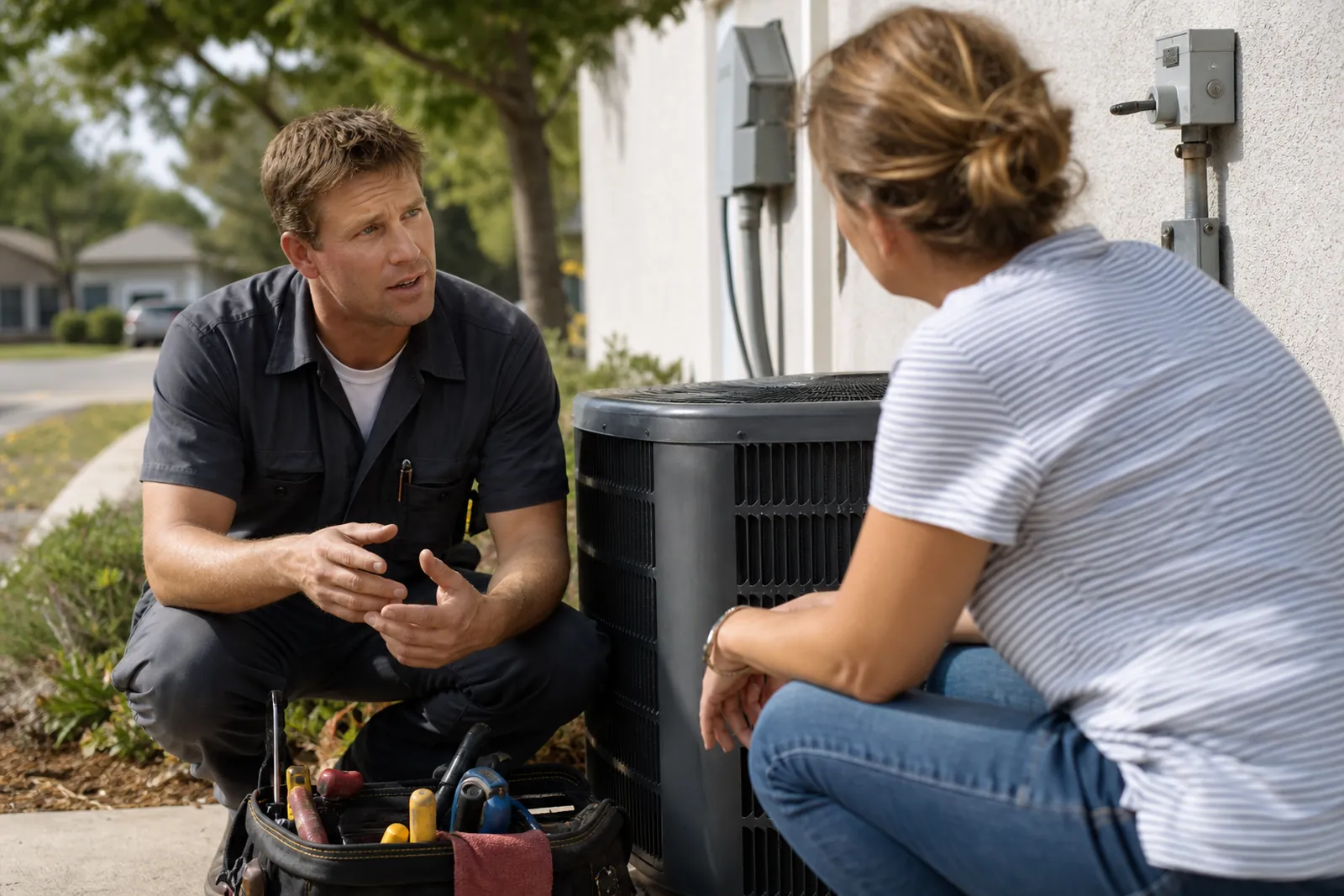
Start with the jobs people need done
Most HVAC visitors are not browsing for fun. They are trying to solve a problem at home or at a small business, and they want a clear path from the first page they see to the right kind of help. Build your site around the main jobs you take on, not around your company history.
At a minimum, your site should make it easy to find service, repair, replacement, maintenance, and emergency help. If you serve both homes and businesses, say that plainly. If you work on cooling, heating, or both, make that visible on the home page and in the main menu.
- Use plain labels like Repair, Replacement, Maintenance, and Emergency Service.
- Put your main phone number near the top of every page.
- Keep the home page focused on the next step, not a long company story.
Make heat waves and cold snaps easy to handle
People search in a hurry when the house gets too hot or too cold. Your site should help them decide fast if they need repair, a tune-up, or a full system change. Keep the urgent pages simple, with short text and direct calls to action.
Use a page for cooling issues and a page for heating issues if you handle both. On each page, list the common problems people notice, such as weak airflow, uneven rooms, strange noises, no cool air, or a system that keeps turning on and off. That helps the visitor know they are in the right place before they call.
Do not bury your emergency help inside a general services page. If you offer after-hours or same-day service, say exactly what that means in plain language. If same-day service is only sometimes available, say that too. People trust clear limits more than a broad claim that sounds too polished.
- Write the problem the way a customer would say it.
- Separate cooling and heating pages if the services are different.
- If you cannot always respond the same day, use words like 'when available' or 'as scheduling allows.'
Give repair and replacement their own pages
A lot of HVAC websites lump repair and replacement together, but those are different decisions. Someone with a failing system may want a quick fix, while someone with an older unit may be trying to compare repair with replacement. Separate pages help each visitor find the right answer.
On the repair page, explain what repair work looks like, what kinds of problems you commonly fix, and when a repair is the better path. On the replacement page, explain the signs that a system may be beyond simple repair, what parts of the job are involved, and how you help people choose a new unit that fits their space.
Use a calm, helpful tone. Avoid pushing replacement too hard. People do not like feeling rushed into a bigger job than they expected. A good replacement page helps them understand the tradeoffs so they can make a choice with confidence.
- Include a short list of signs that point toward repair.
- Include a separate list of signs that may point toward replacement.
- Explain what happens during an estimate in simple steps.
Show maintenance plans without hiding the details
Maintenance is one of the easiest things to explain badly on a website. If you offer a maintenance plan, tell visitors what it covers, who it is for, and how often the service happens. Do not make them guess what they are buying.
A good maintenance page should explain the practical benefits in everyday language. Talk about cleaning, inspection, airflow checks, filter changes, and spotting small issues before they turn into bigger ones. If you serve both homes and commercial spaces, say whether the plan is built for one or both.
If you offer seasonal tune-ups instead of a formal plan, say that clearly. Some visitors want a one-time visit before summer or winter, while others want a recurring service relationship. Give both types of people a path that fits their need.
- List exactly what is included in the visit.
- State whether the plan covers heating, cooling, or both.
- Say who should choose a one-time tune-up and who should consider ongoing maintenance.
Build brand pages only for the brands you really service
Many HVAC customers search by brand name because they already know the equipment in the home. If you service certain brands, create brand pages or a brand section that names them clearly. That can help people feel they are in the right place before they call.
Only name the brands you truly work on. If you do not service a brand often, do not add it just to catch more searches. That creates confusion and can lead to calls you cannot help with.
On each brand page, keep the focus on service, repair, maintenance, and compatibility. You do not need to write a fan page for the maker. You need a simple page that says you know the equipment, understand the common issues, and can help with the next step.
- Group brand pages under one menu item if you service many names.
- Add a short note about common parts or systems you handle for each brand.
- Keep brand pages short and useful, not stuffed with repeated phrases.
Help people choose without making the site hard to use
HVAC sites work best when they stay simple. Use a clear menu, short pages, and easy contact options. Put your phone number, service area, and request form where people can find them without scrolling forever.
Write every page with local intent. Say the towns or neighborhoods you actually serve. If you only work in part of a metro area, be specific. A visitor who lives outside your area would rather know that early than fill out a form you cannot take.
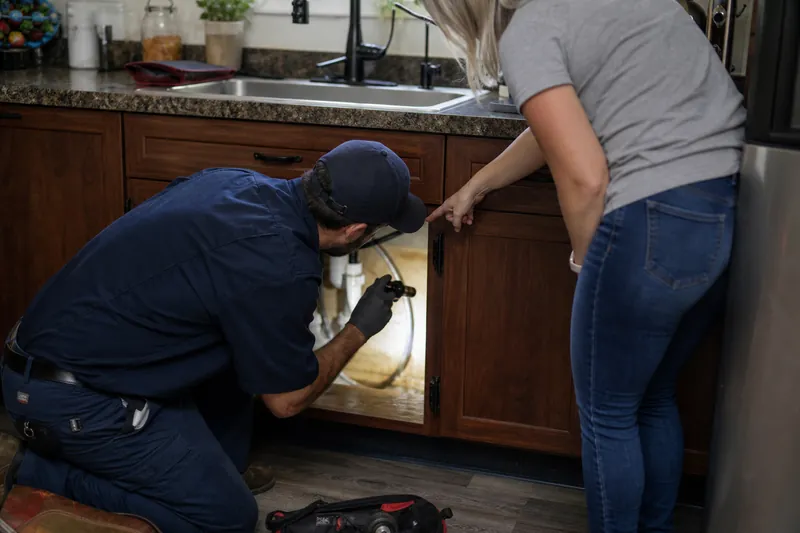
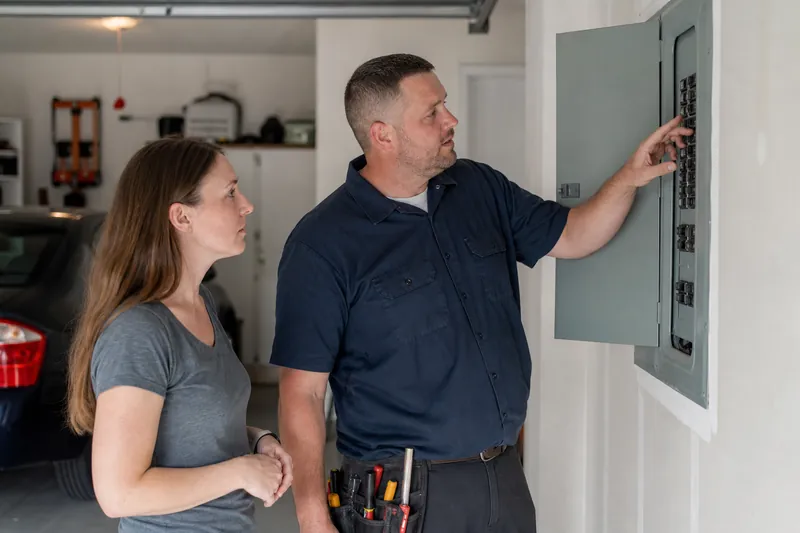
Photos should show your team, trucks, equipment, and actual jobs, but keep them honest. Avoid stock images that look nothing like your work. A real photo of a tech in a crawl space, on a roof unit, or beside a condenser tells a better story than a polished image that could belong to any company.
Make room for proof that does not feel pushy. Short reviews, a few project photos, and a simple list of services can help people feel more comfortable. If you mention same-day service, emergency calls, or special hours, keep the wording careful and truthful so the site does not overpromise.
- Put contact buttons at the top and bottom of key pages.
- Use real photos from jobs you have done.
- Add service area details to the home page and footer.
Keep the site useful after it launches
An HVAC site should not stay frozen after it goes live. Update it when your service area changes, when you add a brand, when your maintenance offer changes, or when your hours change for the season. A stale site can confuse visitors and hurt trust.
Check your Google Business Profile and your website together so the phone number, hours, and service areas match. If you use WordPress, keep the pages easy to edit so your team can make quick updates without waiting on a full redesign.
Also watch how people move through the site. If many visitors land on the repair page but never find the replacement page, the layout may need work. If emergency calls come in but people still ask basic questions you already answered, your wording may need to be simpler.
At Brixel Proyect, we build local service sites with this kind of practical structure in mind, because the best HVAC website is one your customers can use fast and your team can keep current.
- Review phone numbers, hours, and service areas every season.
- Update brand and maintenance pages when your services change.
- Trim anything that makes the next step harder to find.
Questions owners ask
Should an HVAC website put repair and replacement on the same page?
Usually no. Repair and replacement are different decisions, and separate pages help people find the right information faster. You can still link the pages together so a visitor can compare both paths.
How should I talk about same-day service if I cannot always do it?
Say it plainly and carefully. Use wording like 'same-day service when available' or 'same-day appointments may be open on some days.' That sets the right expectation and avoids disappointing calls.
Do I need a page for every HVAC brand I see in the field?
No. Only add brand pages for the brands you actually service and know well. A small set of accurate pages works better than a long list that is hard to keep current.