Brixel Proyect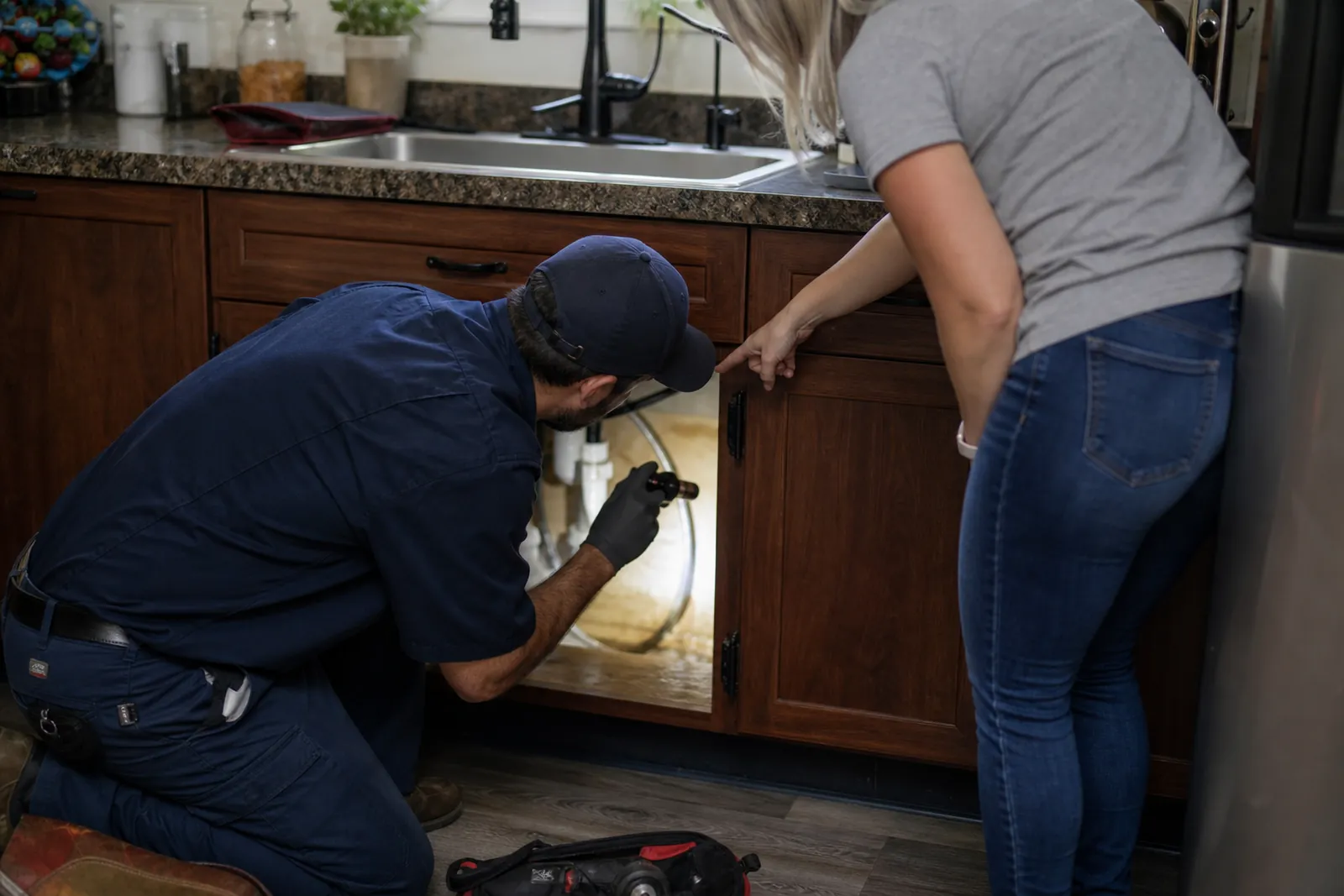
Start with the two ways people call you
A plumbing site needs to handle two very different visitors. One person has water on the floor and wants help right now. Another wants to fix a slow leak, replace a heater, or plan work for later. If both of them land on the same page with no clear path, many will leave before they call.
Put your emergency line near the top of every page. Use plain words like "Emergency plumbing" or "24/7 plumbing help" next to the number. Make it easy to tap on a phone, and repeat it in the header, the footer, and the contact area so no one has to search for it.
- Use one number for emergency calls and make that number easy to see.
- Add a short line that tells people what to do if there is active water damage.
- Keep the contact button visible on mobile without making the page feel crowded.
Build separate pages for emergency and planned work
Do not send every visitor to a long list of services. Create one page for emergency plumbing and another for planned work. The emergency page should speak to stress, speed, and the kinds of problems that cannot wait, like burst pipes, sewer backups, and major leaks. The planned-work page can focus on repairs, fixture replacement, maintenance, and remodel support.
On the emergency page, keep the message short and calm. Tell people what counts as an urgent problem, what details to have ready, and how to reach you. On the planned-work page, explain how you handle appointments, estimates, and follow-up questions. That difference helps people feel like the site understands their situation.
- Do not hide emergency help inside a general services page.
- Use the same phone number, but change the wording around it based on the job.
- If your team only covers certain urgent issues, say so plainly.
Give water heater and leak problems their own pages
Water heater issues and leaks are common searches, and they are not the same job. A water heater page should cover no hot water, strange noises, leaks around the tank, pilot or ignition problems, and replacement when repair no longer makes sense. A leak page should cover dripping pipes, ceiling stains, slab concerns, fixture leaks, and hidden water signs.
Each page should read like a helpful answer, not a list of buzzwords. Use the words people use at home: "water heater not heating," "pipe leak," "drip under the sink," and "water on the floor." If you work with gas and electric units, say that in simple terms. If you do not handle a certain type, say that too so people do not waste time.
Add a small section on what to do before you arrive. For leaks, that may mean shutting off the water, moving items away from the area, and taking a photo if it is safe. For heaters, tell people to leave the unit alone if there is smell, smoke, or visible damage, and call right away.
- Make one page for water heaters and one for leaks instead of mixing them together.
- Describe symptoms, not just parts and brand names.
- Use short checklists that help people stay safe before the visit.
Show the area you cover without making people guess
Local trust starts with clear service areas. If you work only in part of the city, say that on the home page and on a separate service area page. If you travel to nearby towns, name them in a simple list. People should know at a glance if you are the right fit before they call.
Avoid one big block that says you serve "the surrounding area." That phrase tells people almost nothing. Instead, say the neighborhoods, suburbs, or nearby cities you actually reach. If response time or scheduling changes by area, be upfront about that too. Honest coverage saves time for your office and for the customer.
You can also add local details that feel real. Mention common home types, older plumbing in certain neighborhoods, or the kinds of buildings you often service. Keep it practical. The goal is to show familiarity, not to sound like you copied the same paragraph for every town.
- Create one page for your main service area and a short page for each nearby town you truly cover.
- List the places you work most often near the top of the page.
- Do not name areas you rarely visit just to look bigger.
Make every service page answer the next question
A good plumbing page should help people move from worry to action. After they know you handle the job, the next question is usually: what happens next? Answer that clearly. Tell them how to request help, what details matter, and what your team may ask about the home or building before arrival.
Use short sections that match real thinking. A leak page can include signs to look for, common causes, and what to do first. A water heater page can explain repair versus replacement in plain language. A planned service page can explain what kinds of jobs need an appointment and what helps you prepare a quote or visit.
Photos should match the work you want. Show real trucks, real technicians, clean work areas, and finished jobs when possible. Avoid stock-looking pictures that do not feel like your team or your neighborhood. People notice when the images feel fake, and that can slow down trust.
- Write one clear call to action at the end of each service page.
- Use job photos that show the type of work you do, not just smiling people in uniforms.
- Keep forms short so people can reach out without much effort.
Keep the site easy to use on a phone
Most people looking for a plumber are on a phone and may be in a hurry. That means big tap targets, short paragraphs, clear headings, and no clutter. If the page takes effort to read, people may call the next plumber on the list.
The top of the home page should answer three things fast: what you do, where you work, and how to reach you. After that, give them the main service pages, the area page, and a contact page with simple options. If you use Google Business Profile, make sure the phone number, service area, and hours match the site so people do not see mixed messages.
If you use Google Search Console, check that the pages you want people to find are being seen and that your service pages are easy for search to understand. You do not need to chase every setting. Just make sure the important pages are live, clear, and linked from the main menu.
- Test the site on your own phone before you publish.
- Make the menu short enough that people can scan it quickly.
- Use one contact path for urgent work and one for scheduled work if that helps your office.
Questions owners ask
Should my home page focus on emergency plumbing or regular service?
It should do both, but in a clear order. Put emergency help near the top so urgent visitors can act fast, then point scheduled visitors to the right service pages. That way you do not force one group to dig through copy that does not fit their need.
Do I need separate pages for water heater repair and leak repair?
Yes, if you want the site to match real jobs more closely. Those are common problems, but people describe them differently and need different details. Separate pages help you explain each job in plain language and make it easier for visitors to find the right answer.
What should I say about my service area if I work in several nearby towns?
List the towns or neighborhoods you actually cover, and keep it honest. If some areas are handled only by appointment or by a certain team, say that clearly. People appreciate direct answers more than broad claims that do not help them decide.