Brixel Proyect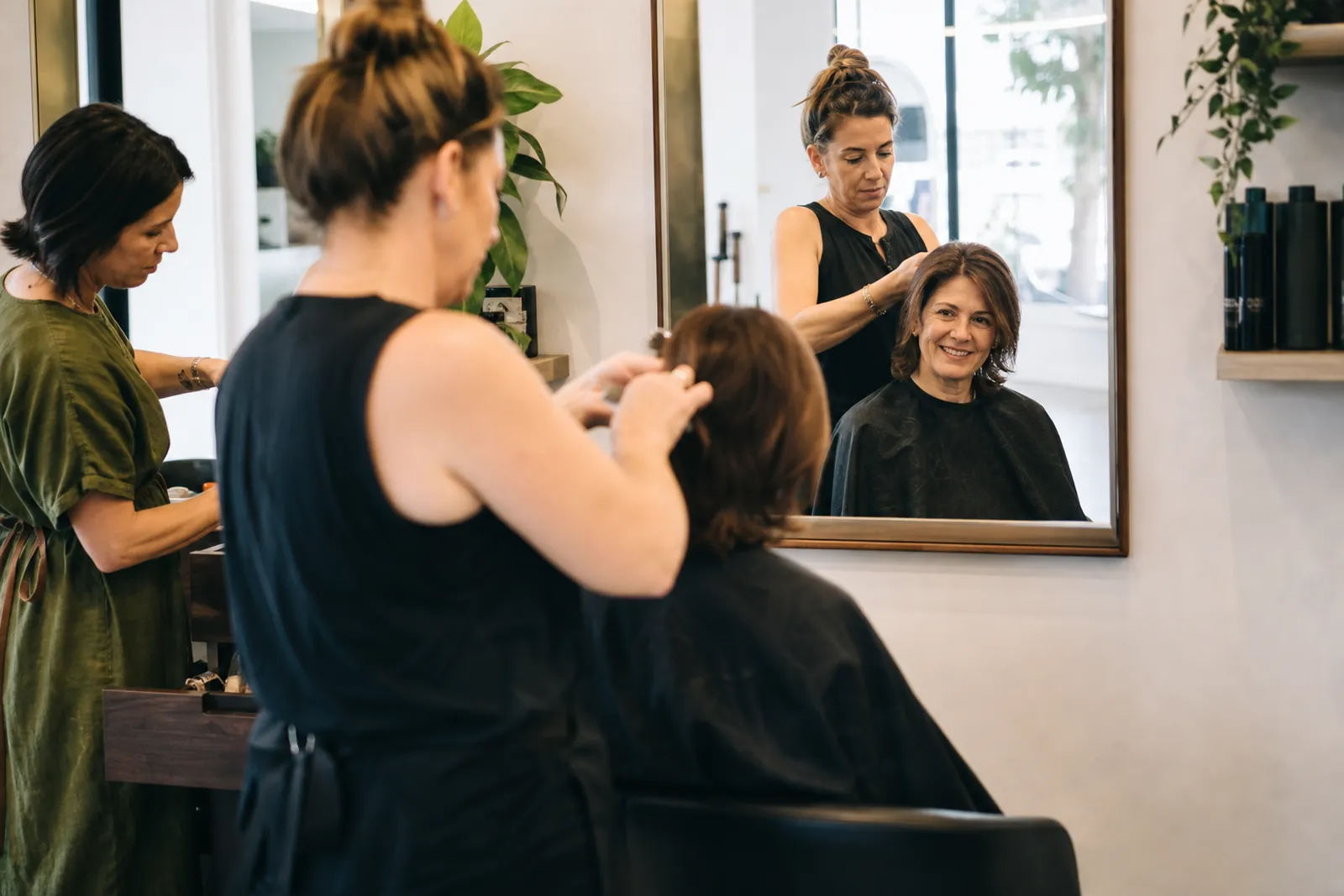
Start with the one action you want
For most salons and barbershops, the main job of the website is to get someone to book. That should be obvious the moment the page opens. Put a booking button near the top of every page, not only on a contact page. If you take phone calls, make that number easy to tap on a phone.
Think about the path a busy client takes. They land on the site, look at the service they want, check the team or the style of work, then decide if they want to book. Do not make them hunt for the booking link, the menu, or your hours. Keep the next step simple and repeat it in the same place across the site.
If you take walk-ins, say so near the top. If some services need an appointment, say that too. A person should not wonder if they can just stop by. Clear rules save your front desk time and cut down on missed expectations.
- Use one clear booking button label, like Book Now.
- Show phone, hours, and walk-in info on every main page.
- Keep the first screen focused on action, not on long marketing copy.
Show the team and the work, not stock images
People do not book a haircut or color service from a website alone. They book a person. Add a team section with names, roles, and a short note on what each person does best. A barber, colorist, or stylist profile works best when it feels human and specific. Keep it short and real.
Use your own photos. Show the team at the chair, mixing color, shaping a beard, finishing curls, or cleaning tools between clients. Do not use generic model photos. Those make the site feel like it belongs to someone else. Real photos help clients picture the experience before they arrive.
If a team member has a style that stands out, say it plainly. For example: fades, beard trims, curly hair, blonding, kids cuts, protective styles, blowouts, or bridal hair. That helps the right client find the right person faster. It also lowers the chance of a bad fit.
- Add one good photo of each team member in work clothes, not just a headshot.
- Show the chair, mirror, tools, and finished results in real lighting.
- Update team photos when the staff changes.
List services and prices in a way people can use
A long service list with no prices leaves people guessing. Give a simple menu with the main services and a clear range or starting price where you can. If every service has a different price based on length, hair type, or add-ons, explain that in plain words. People do not need fancy terms. They need enough detail to know what to book.
Group services in a way that makes sense to a client. For example: cuts, color, styling, beard work, treatments, kids services, and special event styling. If you offer add-ons, like shampoo, deep treatment, or hot towel service, list them under the main service instead of hiding them on another page.
Avoid vague labels like premium cut or custom service with no explanation. Those terms may sound nice, but they do not help a first-time visitor. If a service is only for certain hair lengths or textures, say that in a short note. Clear pricing builds trust and reduces back-and-forth messages.
- Put the most common services near the top of the menu.
- Write price ranges only when they are clear and honest.
- Note what changes the price, like length, texture, or extra time.
Make walk-ins, neighborhood details, and hours easy to find
Local clients care about convenience. If you take walk-ins, say when that works best. If walk-ins are only welcome on certain days or during slow hours, make that clear. If you do not take walk-ins for some services, say that too. A small line can prevent a lot of frustration at the door.
Your neighborhood matters more than many owners think. People often search for a salon near home, near work, or near another stop in their day. Mention the area you serve in plain language, not in a stiff sales tone. If you are in a known part of town or near a landmark people know, say that naturally on the contact page or footer.
Do not bury hours and location in a wall of text. Put the basics where people expect them: hours, address, parking or entrance notes, and the best way to reach you. If parking is tight, say where to look. If the shop is inside another building, give a short note that helps people find the door without stress.
- Write walk-in rules in one short block.
- Mention parking, entrance, or building details if they help first-time visitors.
- Keep location and hours the same across your site and Google Business Profile.
Use short videos to show the chair and the result
Short video works well for this kind of business because people want to see motion, texture, and finish. A quick clip of a cut in progress, a color formula being applied, a barber lining up a beard, or a final style reveal can tell more than a paragraph. Keep the clip natural. You do not need a polished ad.
Focus on the chair and the result. Show the client before and after only if they are comfortable with it. Show how the space feels, how the tools are used, and what kind of finish people can expect. A few honest clips can do more than a long homepage carousel of posed photos.
Use video where it helps, not everywhere. A home page clip, a team page clip, and a service page clip are enough for many shops. Keep the file light and the message short. If you talk in the video, use plain language and a friendly tone. People should understand the service without sound if they are scrolling on their phone.
- Film in daylight or strong clean lighting.
- Keep clips short and focused on one service or one result.
- Choose real work over staged content.
Keep the site current and easy to trust
A salon or barbershop website goes stale fast when staff changes, prices shift, or services change. Review the site often enough to keep the basics current. Outdated hours, old team photos, or missing services can make a busy client think twice. Small updates matter.
Keep the tone warm but direct. Clients want to feel welcome, but they also want facts. Avoid long promises about being the best or the most trusted. Let the site prove care through details: clear service names, real photos, honest booking steps, and easy contact info.
Make sure the site works well on a phone. Many people will find you while they are already out. Buttons should be easy to tap, text should be easy to read, and booking should not feel like a chore. If a page feels hard to use on mobile, fix that first.
- Check hours, prices, and team pages when anything changes.
- Use one tone across the site: friendly, direct, and clear.
- Test the full booking path on a phone before calling the site done.
Questions owners ask
Should a salon website show prices?
Yes, whenever you can do it clearly. Even a price range or a starting price helps people decide faster and reduces avoidable calls. If a service changes based on length or texture, say that in plain words.
Do walk-in shops still need online booking?
Often, yes. Many clients want to book ahead even if walk-ins are welcome. If you offer both, make the difference clear so people can choose the option that fits their day.
What should go on the home page first?
Start with a short message about what you do, a booking button, and a way to contact you. Then add a quick view of your team, your main services, and one or two real photos or clips. That gives new visitors the basics without making them scroll for simple answers.